Your shopping cart
😊 Product added to cart successfully
Product removed to cart successfully

Couldn't load pickup availability
Izdelek bomo predvidoma poslali čez: 0 dni
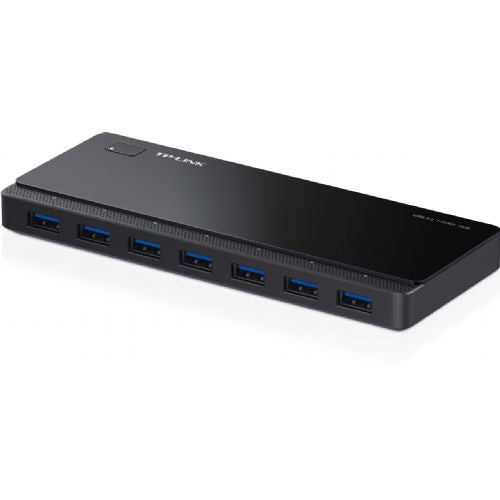
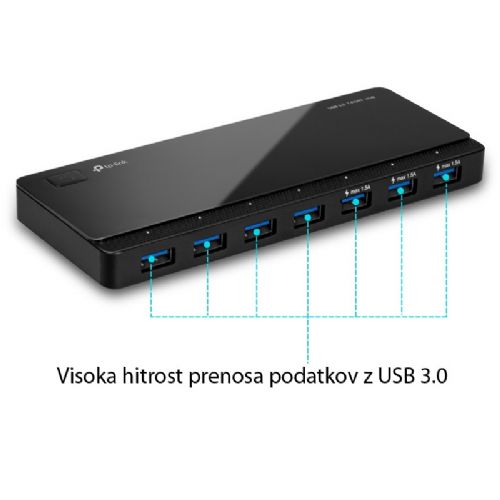
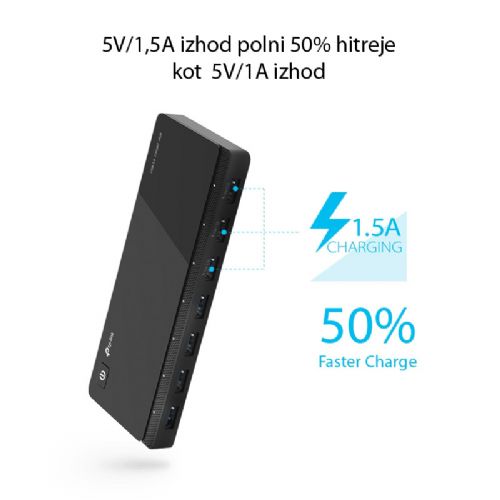
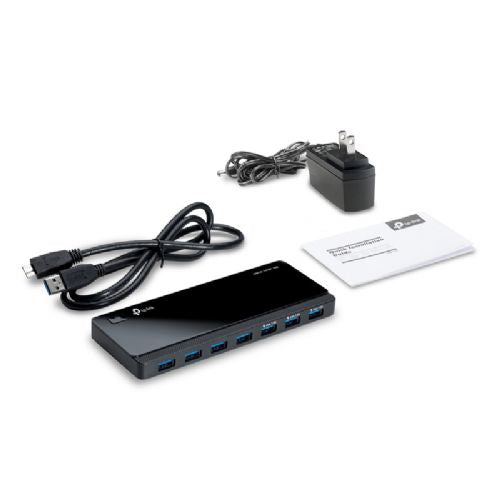
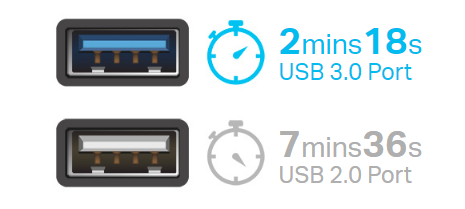
TP-LINK UH700 USB hub supports all USB devices, including USB drives, mice, printers and any other USB devices you want to run at the same time. So you will never have to switch different devices between ports again. USB 3.0 connection ensures fast data transfer, up to 10x faster than USB 2.0.
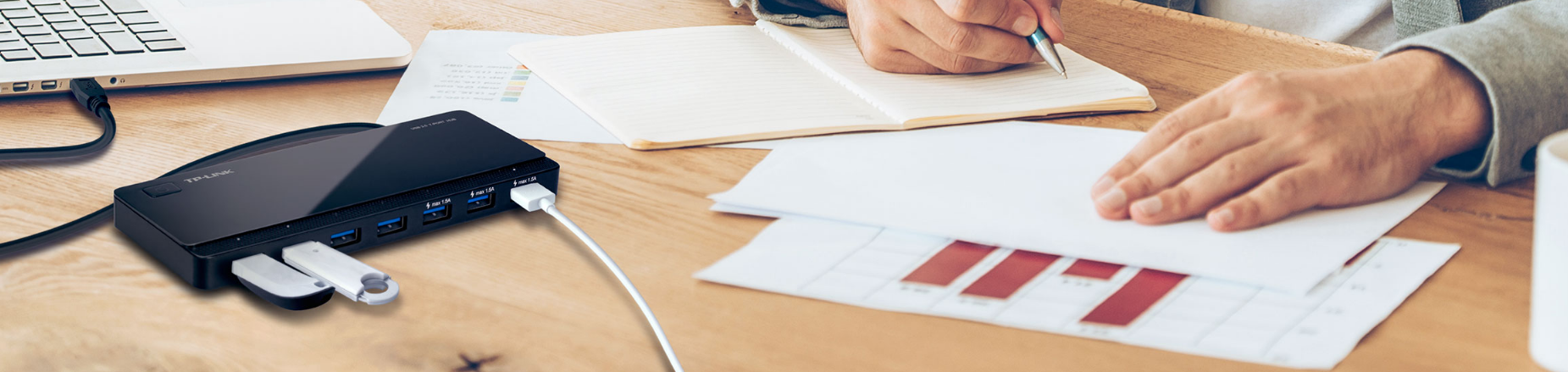
- 7x USB 3.0 ports
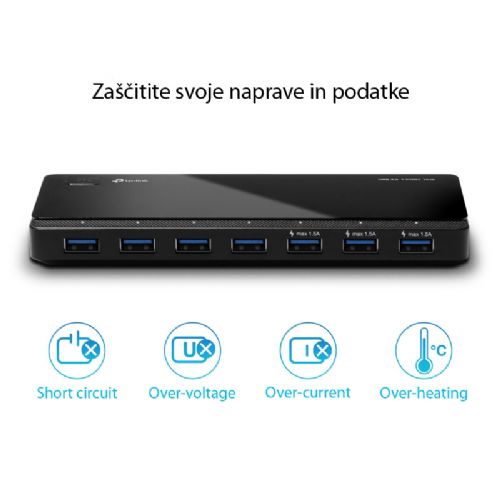
- safe and reliable: UH700 includes multiple protections (against short circuit, overheating, overvoltage, etc.)
- no drivers required
- dimensions: 165 x 65.5 x 17.5 mm
- in the package: 1 m USB 3.0 cable, external 12V & 2.5A power adapter
TP-LINK UH700 external USB hub with seven USB3.0 ports is suitable primarily for users who often connect multiple devices to a laptop or desktop computer, whether in a business, home or gaming environment. Due to its own power supply, it enables stable connection of even more demanding external devices, such as external drives, printers or additional peripherals. It works best in work environments where there is enough space to install an external hub, but is less suitable for users looking for a solution that is as small as possible and completely portable. The advantage is the modern USB3.0 connectors, which enable fast data transfers on all seven ports, but the arrangement also depends on the devices used and power needs.
Recommendation source: Enaa guides and team experiences.
Users who often need multiple USB ports to simultaneously use a mouse, keyboard, printer, external drives or other devices will quickly recognize the practicality of the TP-LINK UH700 hub. In a business environment, it can simplify the connection of many devices, while gamers appreciate the ability to connect additional peripherals without frequently changing cables. Due to its stable operation and accelerated data transfers, it is also convenient for those who work with larger files or need reliable operation without interruption of connections.
Among the reasons for trust are TP-Link 's many years of experience in the field of computer accessories, where users often highlight reliability and easy integration into the existing work environment.
In addition to a clear option to choose accessories on one page, Enaa enables quick weighing between different computing solutions and offers a clear presentation of specifications for easier comparison of similar products. This makes it easier for every user to find a solution that meets their needs in a business or home environment.
Yes, powering via an external power supply allows you to connect multiple external drives or other devices simultaneously, but it is recommended to consider the total power consumption and capacity of individual drives.
Yes, USB3.0 is compatible with older devices with USB2.0 or USB1.1 ports, but such ports will operate at a correspondingly lower transfer speed.
A powered USB hub like this model allows you to reliably connect multiple devices at the same time, even if they have higher power consumption, because it is not dependent only on the computer, but has its own power source.
In most cases, you can also use the TP-LINK UH700 with a game console if it supports external USB devices, but it is recommended to check compatibility with your console model beforehand.
It is best practice to create space on your desk for the hub in advance and use shorter USB cables, which helps keep things tidy and prevents tangling or mechanical damage to the connectors.
Description updated: April 2026


