Your shopping cart
😊 Product added to cart successfully
Product removed to cart successfully

Couldn't load pickup availability
Izdelek bomo predvidoma poslali čez: 0 dni
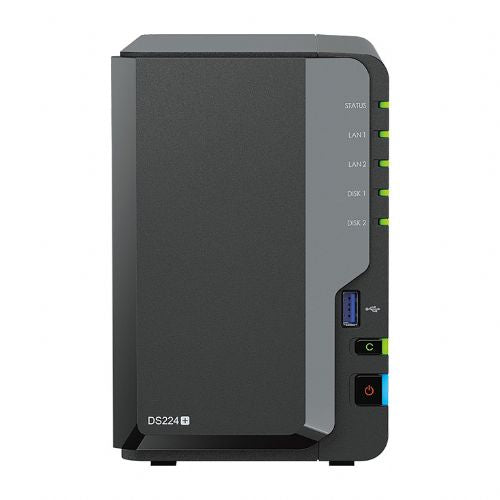
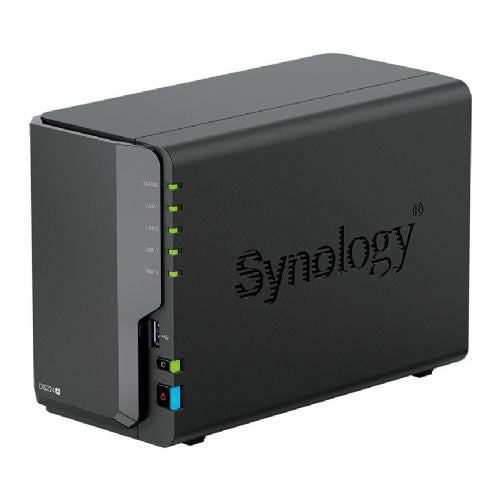
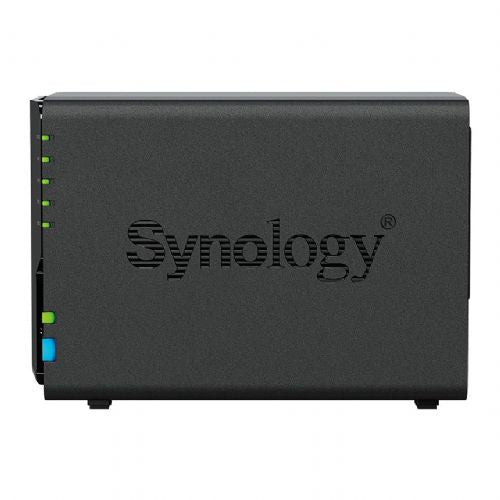
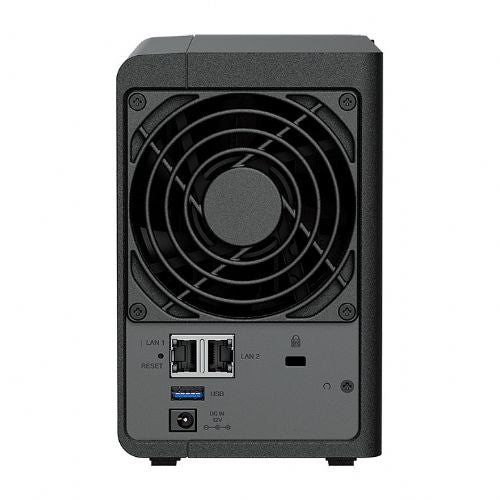
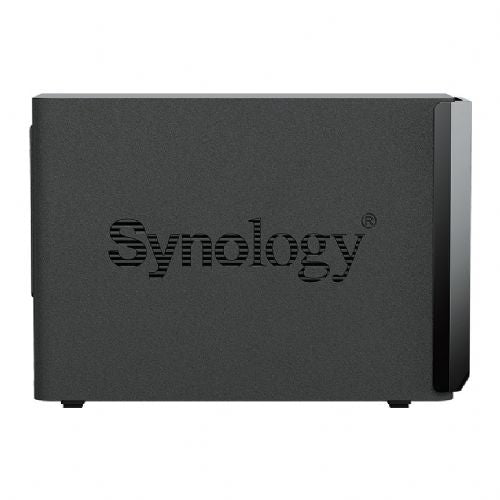
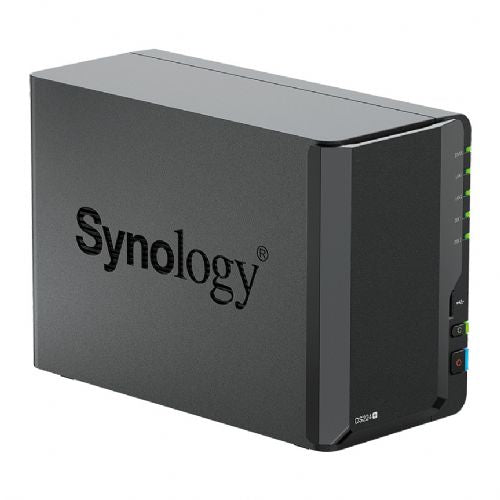
storage medium
Storage drivers installed: No
Number of storage drives supported: 2
Type of storage drive installed: No
Supported storage drives: HDD & SSD
Storage drive interface: SATA
RAID Support: Yes
Storage drive size: 2.5/3.5"
RAID levels: 0, 1, JBOD
Supported file systems: BTRFS, FAT, HFS, NTFS, exFAT, ext3, ext4
processor
Processor family: Intel® Celeron®
Processor manufacturer: Intel
Processor: J4125
Processor frequency: 2 GHz
Processor Boost Frequency: 2.7 GHz
Number of processor cores: 4
Storage
Storage capacity: 2 GB
Internal memory type: DDR4
Maximum supported RAM: 6 GB
network
Built-in Ethernet port: Yes
iSCSI support: Yes
Wake-on-LAN Ready: Yes
Supported network protocols: SMB1 (CIFS), SMB2, SMB3, NFSv3, NFSv4, NFSv4.1, NFS Kerberized sessions, iSCSI, HTTP, HTTPs, FTP, SNMP, LDAP, CalDAV
connections and interfaces
Number of Ethernet LAN ports (RJ-45): 2
USB connection: Yes
USB 3.2 Gen 1 (3.1 Gen 1) Number of Type A ports: 2
design
Case type: Desktop
Cooling: active
Product color: Black
Number of fans: 1 fan
Fan diameter: 9.2 cm
LED indicators: Yes
Services
Type: US
Device Class: Home and Home Office
Backup function: Yes
Number of users: 1200 users
Noise level: 22dB
Access Control List: Yes
On/Off switch: Yes
Supported browsers: Google Chrome, Firefox, Microsoft Edge, Safari
USB copy function: Yes
Implementation
Generator power: 60W
AC input voltage: 100-240V
AC input frequency: 50 - 60 Hz
weight and dimensions
Width: 108 mm
Depth: 232.2 mm
Height: 165mm
Weight: 1.3 kg
operating conditions
Operating temperature: 0 - 40 °C
Operating relative humidity: 5 - 95%
Storage temperature range: -20 - 60 °C
The text is machine translated.
The 2-Bay Synology DS224+ is a great solution for home users, tech enthusiasts, and small businesses looking for a reliable way to securely store, share, or back up data. It is useful for professionals who need constant access to digital documents, as well as gamers and content creators who want to centralize and secure their multimedia library. With advanced remote access capabilities and easy integration into an existing environment, Synology is a recognized brand that impresses with its stability and rich set of functionalities.
If you're not sure how to best utilize a NAS device in your home or office environment, we recommend taking a look at our guide to setting up your own cloud office , where you'll find concrete tips and use cases.
When you purchase a Synology DS224+ at Enaa, you receive professional support from our IT department, based on many years of experience with advanced NAS system solutions. In addition, we offer quality information support to help you find the right product for your needs in a business or home environment.
Yes, this model is specifically designed for both scenarios. It provides reliable data storage, access from multiple devices, and easy sharing in a household or small office.
The device supports 3.5'' and 2.5'' SATA hard drives or SSDs. We recommend that you choose drives that are proven to be compatible with Synology devices and have the appropriate capacity for your needs.
Synology DS224+ uses advanced security protocols such as two-factor authentication and encrypted data transmission, so remote access is secure as long as user rights and updates are set appropriately.
All key information on setup, security, and maintenance can be found in our NAS guide , which also explains practical examples and common mistakes.
No, basic device management is intuitive and supported by a simple user interface, while advanced features are well documented in Synology's instructions and in our guide.
Description updated: December 2025


