Your shopping cart
😊 Product added to cart successfully
Product removed to cart successfully

Couldn't load pickup availability
Izdelek bomo predvidoma poslali čez: 2 dni
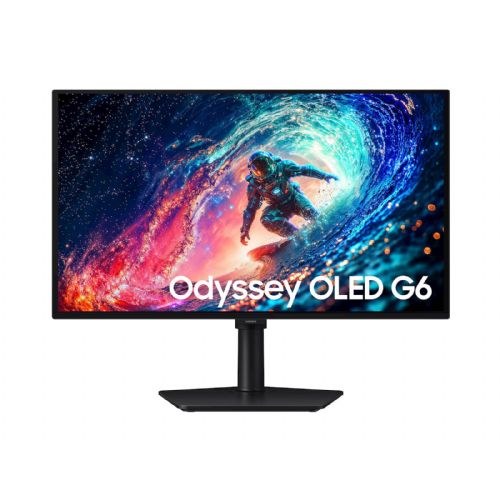
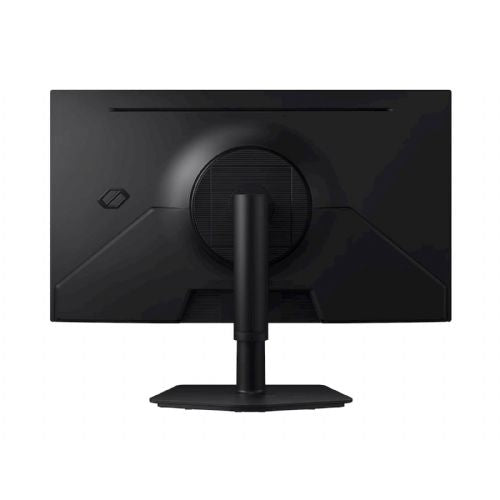
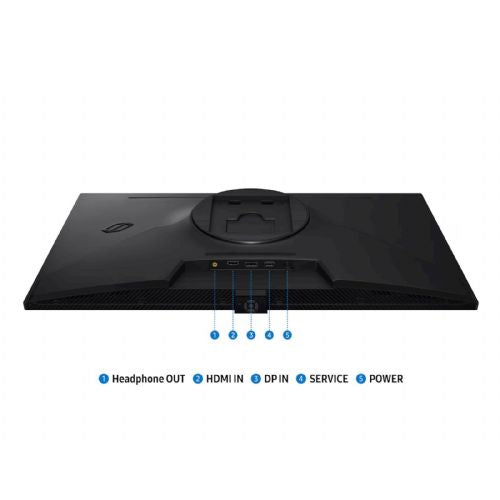
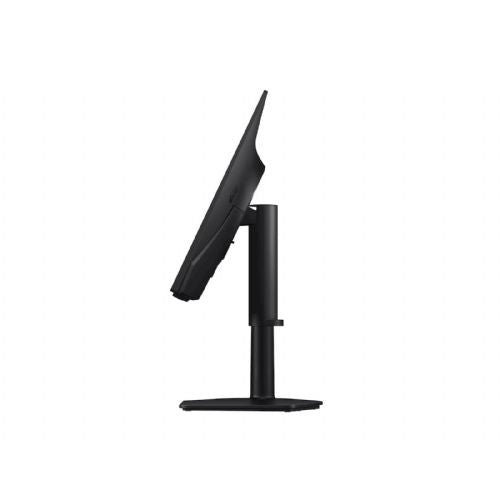
This 27-inch QHD monitor is designed for demanding users looking for a balanced work and gaming experience with sharp display and smooth image movement.
The Samsung Odyssey G6 LS27HG612SUXEN monitor with a 27-inch QD-OLED display and QHD resolution is best suited for users who expect high image sharpness, excellent color reproduction and fast refresh rates from a monitor. Such a combination of specifications will suit especially demanding gamers and those who value an experience without motion blur, as well as creatives who need a high-quality color image. It is a less sensible choice for users who use the monitor exclusively for basic business work or only for occasional content viewing, where advanced features remain unused. The combination of QHD resolution and 27-inch format means a well-balanced ratio between the working area and sharpness, and a special advantage is the 240 Hz refresh rate, which significantly upgrades the experience in fast games.
Recommendation source: Enaa guides and team experiences.
The typical user of this monitor is a demanding gamer or digital content enthusiast who considers fast feedback, smooth motion and strong contrasts on the screen to be among the most important features. It will also be very suitable for those who often switch between gaming and video or photo editing in their projects, as QD-OLED technology enables rich shades and wide color coverage. In a multitasking environment where clarity and eye comfort matter, the benefits of high refresh rates and advanced technologies will be even more obvious.
When deciding between advanced models of different sizes and technologies, an expert guide to choosing a monitor size can be helpful. Users who rely on reliability and broader ecosystem support often choose products from the Samsung brand, which is known for its innovation and quality of monitors in various segments.
Enaa offers a wide selection of monitors, making it easy to compare different models in terms of resolution, refresh rate, and screen type. The platform is also tailored to users who need expert recommendations based on actual needs, making it easier to find the most suitable monitor for your work or home use.
Due to QD-OLED technology and wide color coverage, the monitor is suitable for advanced graphics work and photo processing, although specialized models may be considered for critical color accuracy in the printing industry.
QD-OLED delivers more pronounced contrast, deeper blacks, and faster response than most IPS or VA panels, which is especially noticeable when watching dark content or playing games.
A high refresh rate, such as 240 Hz, is most noticeable in fast-paced games (e.g. FPS or simulators), as it allows for very smooth image movement and reduces blurring during fast movements.
With a 27-inch monitor and QHD resolution, it makes sense to maintain sufficient distance between your eyes and the screen for optimal sharpness and ergonomics. For more practical advice, see our guide to choosing a monitor for working from home .
The monitor perfectly complements an advanced multitasking environment, but when setting up two screens, we recommend that both monitors have a similar resolution and size, which positively affects comfort and visibility.
Description updated: April 2026


