Your shopping cart
😊 Product added to cart successfully
Product removed to cart successfully

Couldn't load pickup availability
Izdelek bomo predvidoma poslali čez: 2 dni



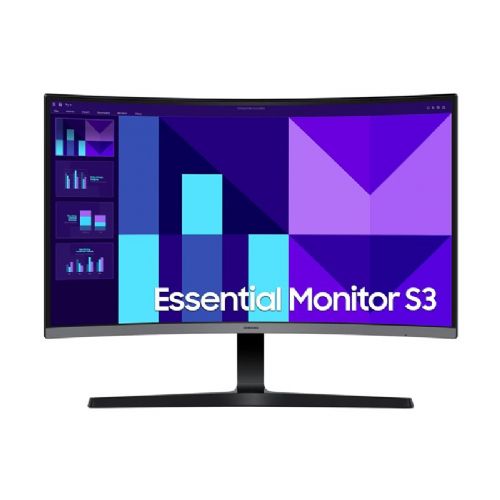
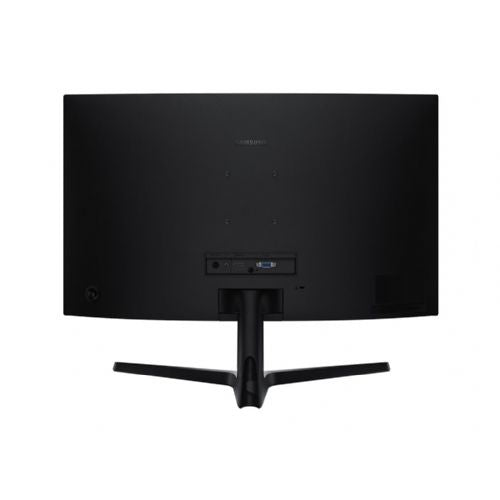
SAMSUNG LS27D390GAUXEN 27inch VA FHD 16:9 100Hz 4ms 200cd/m2
The 27-inch Samsung Essential S3 monitor delivers a visual experience with a native resolution of 1920 x 1080. Active matrix TFT technology delivers vibrant colors and sharp details, complemented by 250 cd/m2 brightness. With a 100 Hz refresh rate and 4 ms response time, this monitor delivers smooth performance, making it suitable for everything from gaming to professional tasks.
Designed with user comfort in mind, it features Flicker-Free technology and Eye Saver mode to reduce eye strain during extended use. Eco Saving Plus mode increases energy efficiency, making it a greener choice for users. The tilt-adjustable display allows for flexible viewing angles, and with a wide 178-degree horizontal and vertical viewing angle, every seat is well-positioned.
Technical specifications:
The Samsung LS27D390GAUXEN monitor is a 27-inch model with a basic Full HD resolution and a 100 Hz refresh rate, making it suitable for a wide range of everyday tasks - office work, web browsing, multimedia and even occasional playing of less demanding games. Due to the larger diagonal in combination with FHD resolution, the work experience and the transparency of multiple windows will suit users who want more screen space without high demands on font sharpness in the smallest details. Some compromise is noticeable when displaying very small text or for users who expect professional color accuracy or an extremely sharp image - in such cases, it would make sense to consider a higher resolution or another type of panel. It is worth emphasizing the versatility of the monitor for home and office use, especially when a good compromise between size, price and basic functionality is important.
Recommendation source: Enaa guides and team experiences.
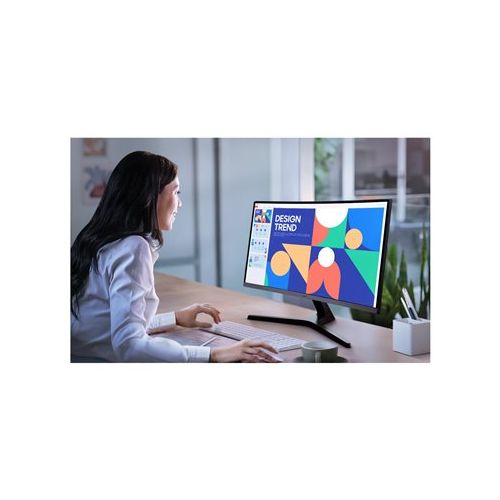
A monitor of this size and configuration is typically chosen by users who spend most of their day in front of a computer – whether working from home, in the office, or as a family member for school and multimedia activities. The width of the screen allows for greater clarity when working with multiple windows or applications, which is especially appreciated by those who need additional surface area without the complex setup of two monitors. This combination can also work satisfactorily for users looking for a slightly smoother experience when moving content or occasionally playing “casual” games.
If you are considering the optimal size choice or are interested in which combination of diagonal and resolution is the most balanced, we recommend a more detailed guide to choosing a monitor size , where you can also find tips for working with multiple open windows or using the monitor as a secondary display. Users often recognize the reliability and wide range of the Samsung brand, which makes it easy to find compatible accessories or upgrade your computing environment.
At Enaa, you can choose from a proven wide range of monitors with expertly prepared filtration, which allows you to easily compare models according to your needs. In addition to clear technical data, there is also support from a team that, through long-term cooperation with leading manufacturers, understands the specifics of the monitor class and the needs of individual users.
For most basic office tasks, this size is perfectly usable, but if you frequently read smaller fonts or work intensively with spreadsheets, you may notice a decrease in sharpness compared to higher resolution monitors. For greater comfort, it is recommended to adjust your viewing distance and increase the font size.
Yes, the size and standard resolution allow you to expand your laptop's workspace, which is especially practical when multitasking or viewing multiple content at once. If you're interested in learning more about dual monitor setups, you can find additional tips in our dual monitor setup guide .
It is best suited for standard use such as office work, browsing, everyday multimedia and occasional gaming. For more demanding visual work or professional graphic design, we recommend a higher resolution and a more advanced panel.
The compromise is mainly the sharpness of the display of very small text; in normal use this is rarely a serious obstacle, but for professional work with details or if you often enlarge windows, it is a good idea to consider QHD or higher resolution.
A monitor with a 100 Hz refresh rate provides smoother image movement than basic 60 Hz models, so it can meet the needs of casual gamers in less demanding games, but is not intended for competitive or professional e-sports.
Description updated: April 2026


