Your shopping cart
😊 Product added to cart successfully
Product removed to cart successfully

Couldn't load pickup availability
Izdelek bomo predvidoma poslali čez: 2 dni
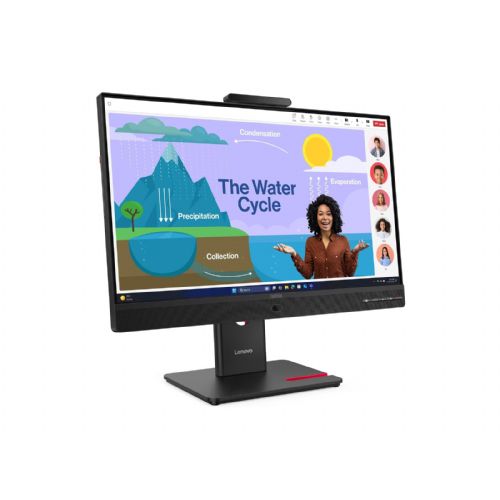
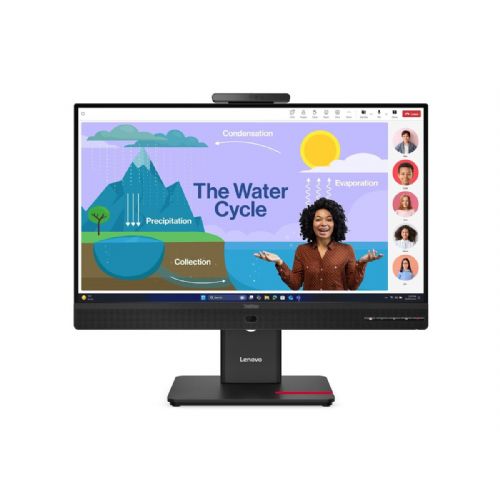

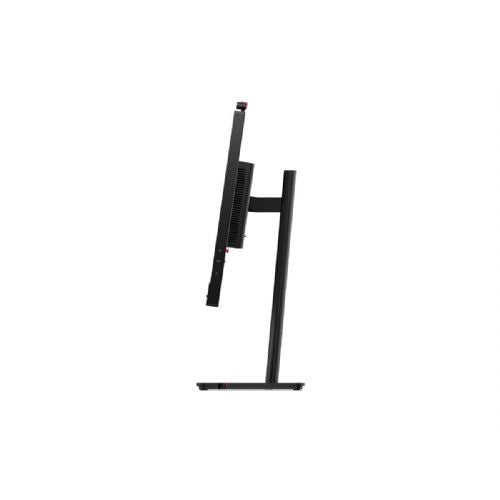
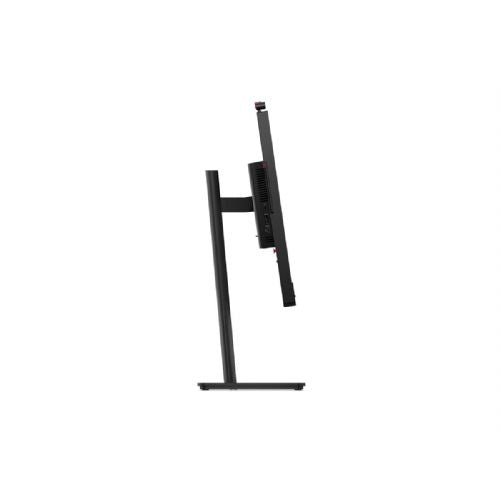

The 23.8-inch IPS monitor is designed for business users who need a clear image, responsive performance, and easy connectivity for working with one or more computers.
Before deciding on this monitor, it's crucial to evaluate how the screen size and resolution align with your needs and available space. It's also important to check whether the ports offered, especially USB-C, match the connection method and devices you plan to use. Some of the tradeoffs between working comfort and versatility can affect long-term usability in certain scenarios.
Source of editorial recommendations: ENAA guides and team experience.
The monitor performs very well for basic office tasks such as working with documents, spreadsheets, email, and the web, especially on smaller desks or in multi-screen setups.
Using two identical monitors of this size and resolution is convenient, as it provides a uniform image and simple layout, but for more demanding work with multiple open windows or larger data views, QHD can offer greater sharpness at a larger diagonal.
Connecting to a laptop via USB-C is convenient for easily connecting and controlling multiple devices, but check that your laptop supports the appropriate video output via USB-C; if it's not compatible, you may need to use HDMI or DisplayPort.
120 Hz refresh is a distinct advantage for frequent scrolling through text and spreadsheets, and allows for basic gaming with smooth visuals. For advanced gaming, other parameters (response time, expanded color capabilities) may be important.
The IPS panel provides good color fidelity for basic graphics work, but the Full HD resolution and limited brightness are not optimal for demanding visual tasks where a larger working area or higher accuracy is desired.
The monitor supports a USB-C connection, but your laptop must also support video output via USB-C (e.g. DisplayPort Alt Mode).
For basic work, this size is adequate, but for very long-term review or data-intensive analytics, a larger screen with a higher resolution may be more comfortable.
The monitor may be compatible with a VESA mount, allowing for arm mounting; check the technical data or instructions for details.
A higher frequency results in smoother scrolling and reduces eye fatigue, which is noticeable with frequent use.
Description updated: October 2026
If you are still deciding, the following content may also be helpful.
Best products
Products for various purposes
Monitors for working from home


