Your shopping cart
😊 Product added to cart successfully
Product removed to cart successfully

Couldn't load pickup availability
Izdelek bomo predvidoma poslali čez: 2 dni
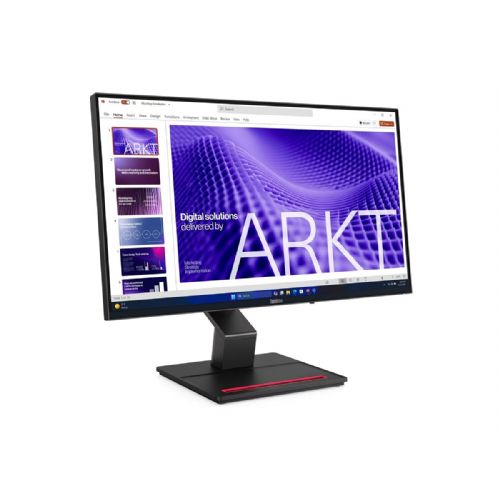
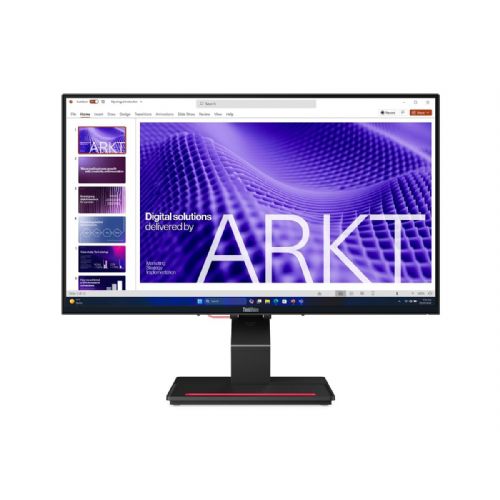
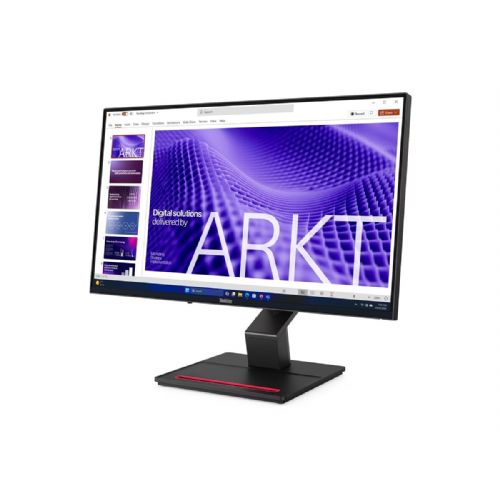
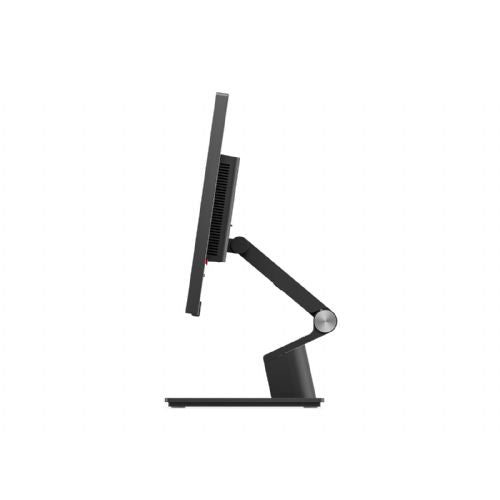

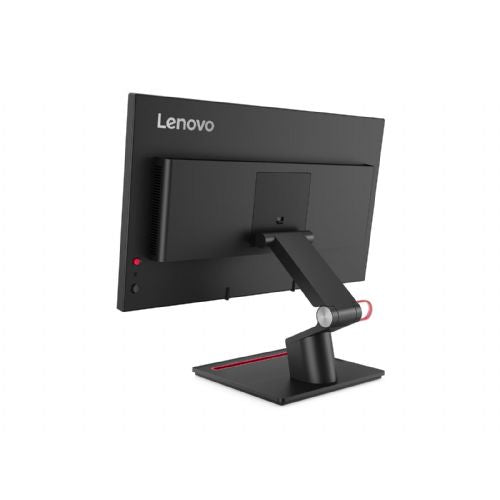
The 23.8-inch FHD monitor is designed for users who need a reliable work environment for multitasking, working from home, or business tasks.
When choosing this monitor, it is crucial to consider what kind of work and environment you will use it for. The most important factors are not only technical features, but also practical compatibility with existing equipment and (co)use of multiple displays. Pay particular attention to the combination of size, resolution and connectivity options.
Source of editorial recommendations: ENAA guides and team experience.
Very convenient - the combination of FHD resolution at 23.8" provides enough space to view documents, email, and work in multiple applications at once without text being blurry.
Very convenient - due to the standard diagonal and resolution, the synchronous use of two identical or similar monitors is practical and allows for a unified experience without visible differences in the display.
Suitable with limitations – IPS technology provides fairly good color reproduction, but the FHD resolution and size may limit accuracy when processing more demanding graphics or photos.
Very convenient - fast refresh (up to 120 Hz) is an advantage when frequently scrolling through long documents, spreadsheets or web pages, and for smooth video playback.
Suitable with limitations - higher refresh rates support better dynamics, but the FHD resolution and size with limited PPI are not optimal for the most demanding gamers who expect a larger display or higher image sharpness.
The monitor offers modern connections, but it is recommended to check beforehand which interfaces are on your laptop for optimal use of all functions.
Full HD (1920 × 1080) at this diagonal provides good font sharpness and pleasant document work in most classic business scenarios.
Yes, the higher frequency is especially noticeable for smooth scrolling, quick transitions between windows, and more enjoyable viewing of video or animations.
Yes, the size and resolution are optimal for use with a laptop, with the display being comparably uniform and visibility good.
Description updated: October 2026
If you are still deciding, the following content may also be helpful.
Best products
Products for various purposes
Monitors for working from home


