Your shopping cart
😊 Product added to cart successfully
Product removed to cart successfully

Couldn't load pickup availability
Izdelek bomo predvidoma poslali čez: 2 dni


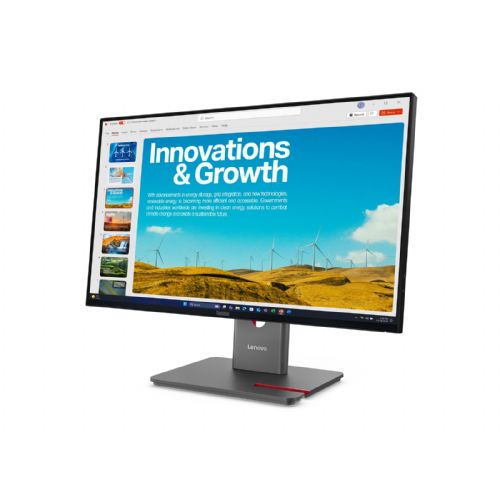
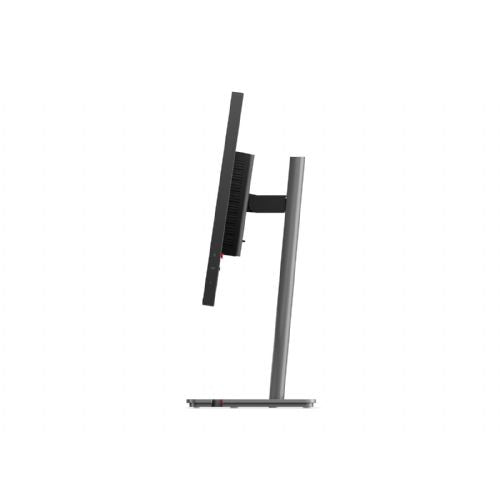


A 23.8-inch QHD monitor with an IPS display designed for efficiency in office, analytical or home work. Useful for anyone who needs clarity when multitasking or working with two computers.
Before purchasing this monitor, it’s crucial to consider how it will fit your workspace and the way you work or play. A number of advanced features, such as USB-C 140W, KVM, and daisy chain capability, greatly increase usability—but only if your devices and work routine truly take advantage of it. Pay special attention to the connectivity and ergonomics adjustments—and consider whether the size and resolution of this model match your needs and expectations for sharpness, comfort, and multitasking.
Source of editorial recommendations: ENAA guides and team experience.
Very convenient - the combination of USB-C, Daisy Chain and KVM allows you to easily connect two or more monitors and switch between devices without additional cables or adapters.
Very suitable - QHD resolution on a 24" IPS screen means high sharpness when working with text and spreadsheets, and 120 Hz ensures comfortable scrolling.
Suitable with limitations – IPS matrix and QHD are sufficient for basic graphics work, but for more precise editing, a larger diagonal or higher color coverage is often desired.
Suitable with limitations – 120 Hz is a good basis for smoother gaming, but the 24" diagonal and focus on business use may not be optimal for more demanding gamers.
Less suitable – the smaller diagonal limits comfort when editing multiple windowed content or complex analytics, where a larger surface area or ultrawide monitor would be more suitable.
No, the laptop must support USB-C Power Delivery and DisplayPort Alt Mode; please check the compatibility of your model beforehand.
In addition to monitor support, you must have a computer or laptop with an appropriate DisplayPort output and graphics that enable Multi-Stream Transport (MST).
Yes, provided that both computers can be connected to the monitor and are using the appropriate inputs; basic KVM functions usually work with this combination as well.
A standard office desk is sufficient to accommodate a 24-inch monitor with an adjustable stand; for multi-monitor combinations, check the overall width.
120Hz refresh is not typically available through all inputs and cables; for full benefit, choose a DisplayPort connection or a quality USB-C cable.
Description updated: October 2026
If you are still deciding, the following content may also be helpful.
Best products
Products for various purposes
Monitors for working from home


