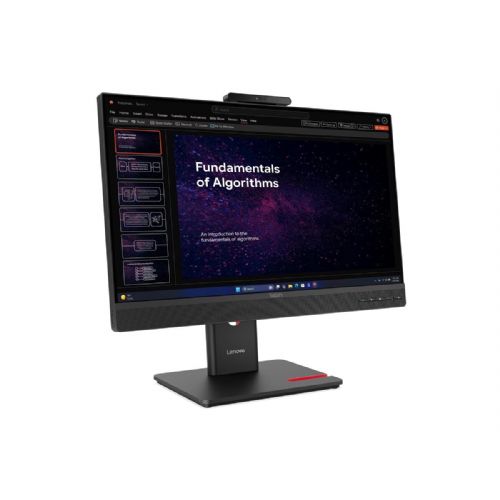
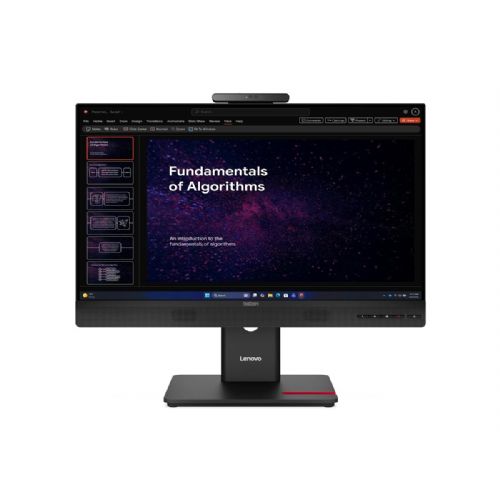
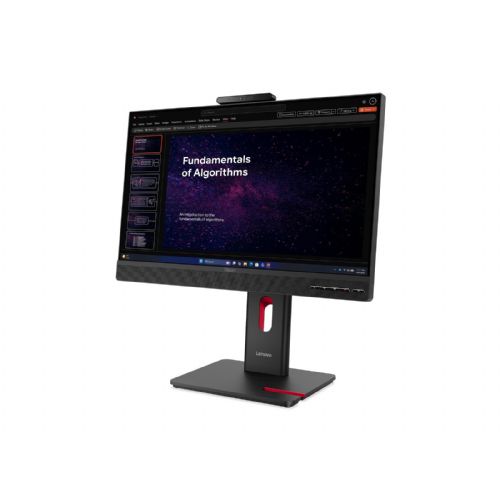
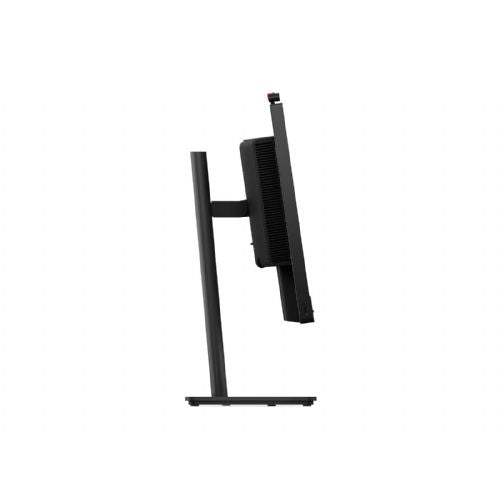
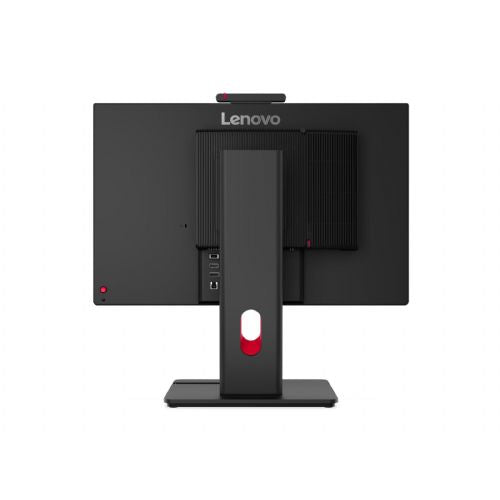
Lenovo ThinkCentre TIO27 Gen6
Suitable for business use Optimal for working with multiple windows For dual-screen setups
The 27-inch QHD monitor is designed for business users and anyone who frequently multitasks, offering a clear display of content and the ability to efficiently organize their workspace.
- The large work surface makes it easy to edit documents, spreadsheets and communicate.
- QHD resolution allows for sharp and legible text and details.
- A USB hub simplifies connecting accessories and organizing cables.
- The built-in webcam allows for easy video conferencing without additional devices.
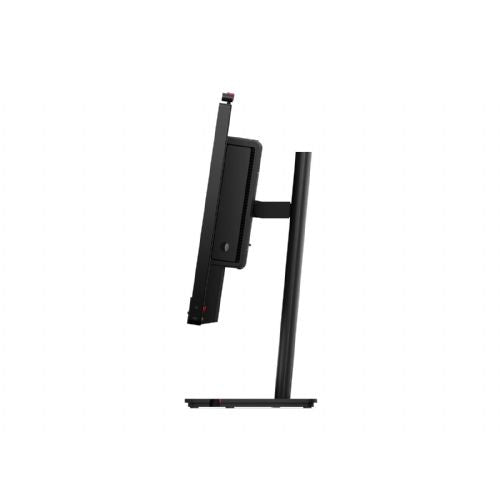
The Lenovo ThinkCentre Tiny-in-One 27 Gen 6 is a versatile 27-inch monitor designed to enhance any workspace. Equipped with a vibrant 2560 x 1440 QHD resolution, this LED-backlit LCD monitor displays images with lifelike colors and supports up to 16.7 million colors. Its IPS technology provides wide 178-degree viewing angles, enabling impressive image clarity from virtually any position. The monitor also features a range of built-in devices, including a webcam and USB 3.2 Gen 1 hub, making it ideal for video conferencing and easy peripheral connectivity. With multiple display adjustment options such as height, pivot, swivel, and tilt, users can adjust their viewing position for comfort and increased productivity. The anti-glare matte finish reduces reflections, making the display suitable for a variety of lighting conditions. In addition, the Lenovo ThinkCentre monitor is EPEAT Gold rated and ENERGY STAR certified, highlighting energy efficiency and environmental responsibility. The integration of Natural Low Blue Light technology ensures comfortable viewing and reduces eye strain during prolonged use.
It is important to know
Before you decide on the Lenovo ThinkCentre TIO27 Gen6 Monitor, it's crucial to understand the relationship between size, resolution, and how you'll use it. The monitor delivers practical features for the modern workplace, but there are some technological compromises and space requirements that are important for an optimal experience. We recommend that you check both ergonomic and connectivity options based on your work habits before purchasing.
- QHD resolution (2560 x 1440) at 27 inches provides sharp enough text and clarity for intensive office or multitasking use.
- An IPS display with wide viewing angles is especially useful if you often share your display or participate in group work.
- A monitor with a built-in USB hub function allows for simplified connection of multiple devices, but you should first check the compatibility and level of support on the computer and cables used.
- The built-in webcam is handy for video conferencing, but its quality may limit more advanced video needs - it may not be enough for professional use.
- If you are planning a setup with two or more monitors, pay attention to the coordination of size, resolution, and connection for smooth operation and appearance of the workstation.
Source of editorial recommendations: ENAA guides and team experience.
In practice
🟢 Working in an office with multiple open windows
With the combination of QHD resolution and 27-inch diagonal, the monitor is very suitable for multitasking, e.g. with spreadsheets, documents and web pages open simultaneously.
🟢 Videoconferencing and digital communication
The built-in webcam and USB hub support video calls and connecting additional devices well.
🟡 Dual monitor setup
The monitor is suitable for use in pairs or as a secondary display, but we recommend that both monitors have comparable resolution and size for a consistent display without visible differences in sharpness.
🟢 Use with a desktop or laptop
Standard connectivity options allow for broad compatibility, but when connecting to a laptop with a single cable, check for support for all features (USB video/power, if that's a requirement for your way of working).
🟡 Advanced graphic and creative work
For basic graphics work, IPS technology is suitable, but for the most demanding color tasks (professional photography, video), also check the display accuracy and hardware calibration.
Answers to frequently asked questions
Is the monitor suitable for a dual-screen setup?
Yes, provided you choose two monitors with the same resolution and diagonal for better display consistency.
What does a built-in USB hub mean in practice?
Allows you to connect peripherals (e.g. mouse, keyboard, external storage) directly to the monitor, which can reduce the need for additional cables on your desk.
Does the IPS panel provide good visibility from different angles?
Yes, IPS technology provides stable colors and a clear image even when viewed from the side, which is useful for group work.
Is the built-in webcam enough for professional video calls?
The camera is suitable for basic web meetings and video calls, but if you need advanced image quality, we recommend checking out additional solutions.
Description updated: October 2026
Read also
If you are still deciding, the following content may also be helpful.
Best products
Best monitors 2026
Products for various purposes
Monitors for office work
Monitors for working from home
Hybrid Work Monitors
Monitors for home use
Gaming monitors
Graphic design monitors
Why buy from ENAA?
- Enaa is the leading choice for monitors in Slovenia and provides neutral descriptions and guides to make your purchasing decision easier.
- We provide transparent and competitive prices, with no hidden costs or crossed-out amounts – you always clearly see the actual best deal.