Your shopping cart
😊 Product added to cart successfully
Product removed to cart successfully

Couldn't load pickup availability
Izdelek bomo predvidoma poslali čez: 5 dni
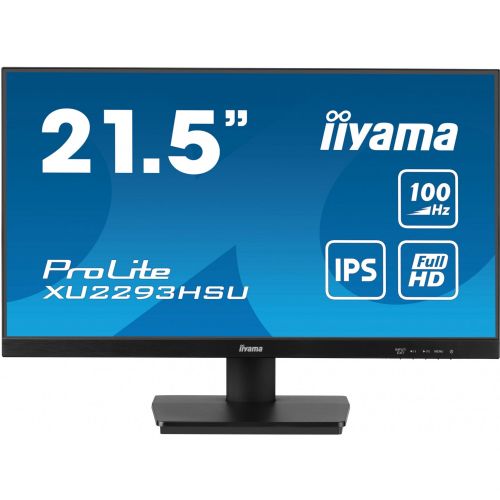
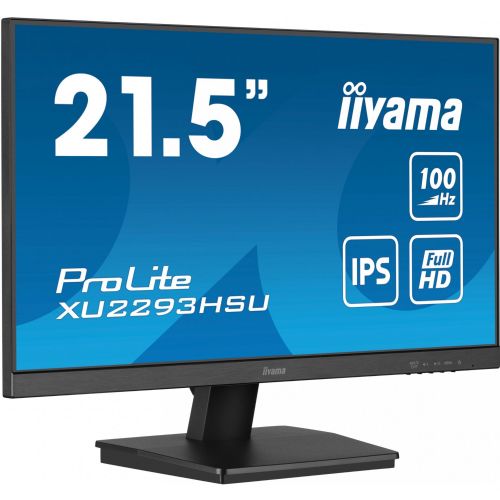

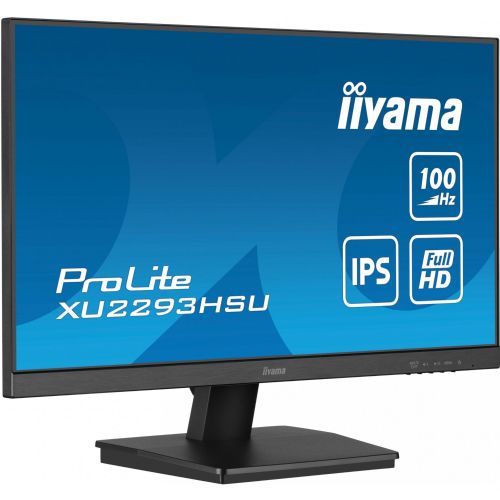
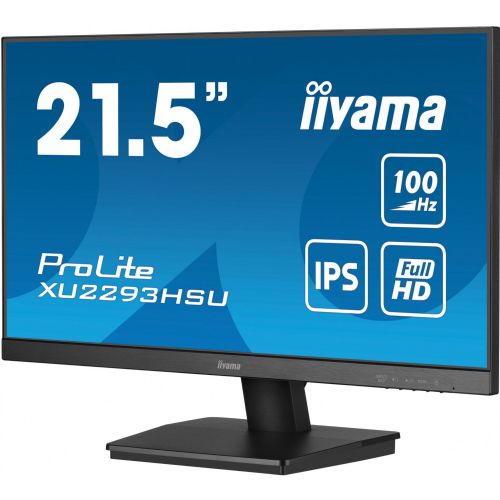
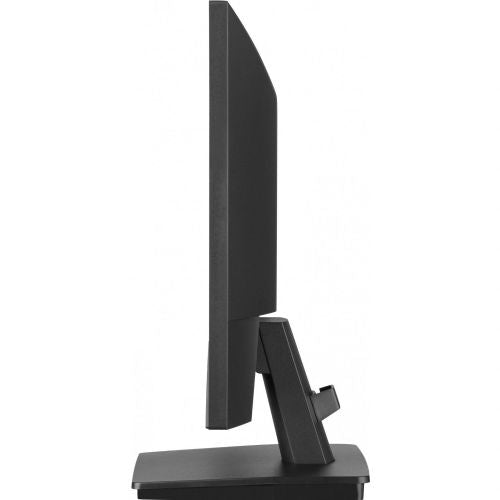
With an exceptional 100 Hz refresh rate and an advanced IPS display, the Iiyama XU2293HSU-B7 is the perfect choice for the modern user who expects a superior image and a smooth experience every day.
The Iiyama XU2293HSU-B7 monitor (54.5 cm or 21.5'', 16:9) will impress you with its combination of elegant design, advanced connections and exceptional IPS screen technology. The 100 Hz refresh rate ensures smooth image playback, which is ideal for both working with multimedia content and playing games. The combination of HDMI, DisplayPort and two USB ports allows easy connectivity with all modern devices.
This monitor is designed for office users, students, home users, and even novice gamers who want a quality image, good connections, and an ergonomic experience. Thanks to advanced IPS technology, the image will be clear, contrasting, and color accurate, regardless of the viewing angle.
It's easy to use - connect the monitor to your computer, laptop or game console via HDMI or DisplayPort cable. Two built-in USB ports allow you to easily charge or connect other devices such as keyboards or mice. With thin bezels and a discreet design, it's also suitable for multi-monitor setups or tidy home offices.
The Iiyama XU2293HSU-B7 also brings features for comfortable work: Flicker-Free and Blue Light Reducer reduce eye fatigue during prolonged use, and the adjustable screen tilt means it can be adjusted to each user.
If you're looking for a versatile monitor with high-quality images and fast refresh rates that stands out for its practicality and excellent image quality, this model is the right choice for you. Experience the difference that the right technology brings to your everyday work or entertainment!
Specifications
| Suitable for | Business | ||
| Picture | Type of glare | Frozen | |
| format | 16:9 | ||
| Technology | LED light | ||
| Panel technology | IPS | ||
| Functions | Full high definition | ||
| brightness | 300 cd/m² | ||
| refresh rate | 100Hz | ||
| Viewing angle (10:1) | Horizontal | 178° | |
| Vertical | 178° | ||
| Pixel pitch | Horizontal | 0.249mm | |
| Vertical | 0.249mm | ||
| Colors | 16.7 million | ||
| Reaction time | MPRT | 1ms | |
| contrast | Dynamic | 80,000,000 :1 | |
| Static | 1,000:1 | ||
| frequency | Horizontal | 30–110 kHz | |
| Links | 1x HDMI input (HDMI version: 1.4), 1x DisplayPort input (DisplayPort version: 1.2), 1x headphone output, 2x USB-A 2.0, 1x USB-B | ||
| ergonomics | type | Tilting | |
| Tilting | 4° forward, 22° backward | ||
| Power supply | Eco-off | 0.3 watts | |
| power supply | Integrated | ||
| Speaker | Number | 2 | |
| Total capacity | 4 watts | ||
| Standards | video | sRGB: 96%; NTSC: 72% | |
| Wall bracket | VESA compatible (100 x 100 mm) | ||
| Features | Advanced contrast ratio, flicker-free, low blue light, i-style colors, cable management | ||
| Adaptive sync, Kensington lock | |||
| Accessories | Available | Power cable, HDMI cable, USB cable, installation instructions, safety instructions | |
| sustainability | Environmentally friendly production (TCO) Efficient energy consumption (TCO) |
||
The Iiyama XU2293HSU-B7 monitor is well suited to the needs of users looking for a reliable solution for everyday office work, study or home use. With a combination of a 21.5-inch IPS screen and a 100 Hz refresh rate, it offers a pleasant experience when working with texts, spreadsheets or browsing the web for a long time, while also proving to be a solid companion for casual multimedia and occasional games. Due to its moderate size, it is suitable for smaller work environments or as an additional screen, but the experience is somewhat limited for those who need a particularly large work surface or perfect color accuracy for professional graphics work. When choosing such a monitor, it is also recommended to consider the space on the desk and the method of use - especially if multitasking or a combination of two screens is a priority.
Recommendation source: Enaa guides and team experiences.
This monitor is often chosen by users who spend most of their time working with documents, email, or web applications and who value good text readability and comfortable display of information on a smaller desk or in a shared space. It is also attractive to students and home users, where it comes in handy as an additional screen next to a laptop or as a central monitor for basic computing tasks. For additional advice on choosing the optimal monitor, you can use our monitor selection guide .
Users appreciate the recognition and specialization of the Iiyama brand, which is known for monitors with an emphasis on image quality and reliability for everyday or multi-purpose use.
When buying a monitor at Enaa, you can rely on the professional support of a team that understands the real needs of different types of users and carefully follows monitor trends. In addition, we offer clearly arranged categories and guides that make it easy to compare products and help you make an informed choice of the right solutions based on your way of working or using them.
Yes, its size and standard resolution make it suitable as an additional or primary display in dual-monitor setups where clarity and balanced display of content are important.
Thanks to the IPS panel, matte screen, and 100 Hz frequency, the monitor provides a pleasant and less tiring experience even during prolonged use in an office or home environment.
The 100Hz refresh rate offers a smoother image than the base models, but for demanding and fast-paced eSports games, users may want to look for monitors with a higher refresh rate and a faster response time.
When choosing, it is important that the monitor dimensions match the space on the desk and the viewing distance; for more guidance, we recommend our guide on choosing a monitor size .
The monitor offers HDMI, DisplayPort, and USB ports, making it flexible for a variety of connections, but it is recommended to always check the output types on your devices.
Description updated: April 2026


