Your shopping cart
😊 Product added to cart successfully
Product removed to cart successfully

Couldn't load pickup availability
Izdelek bomo predvidoma poslali čez: 3 dni
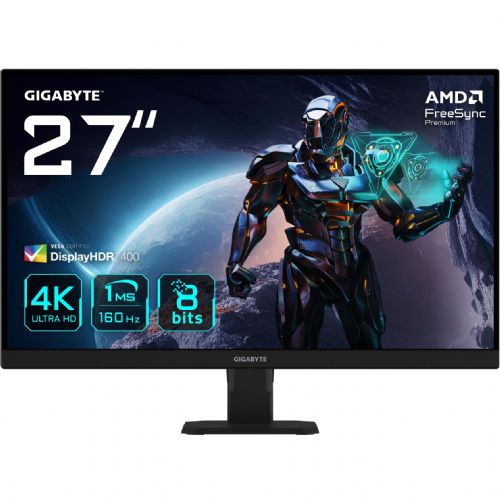
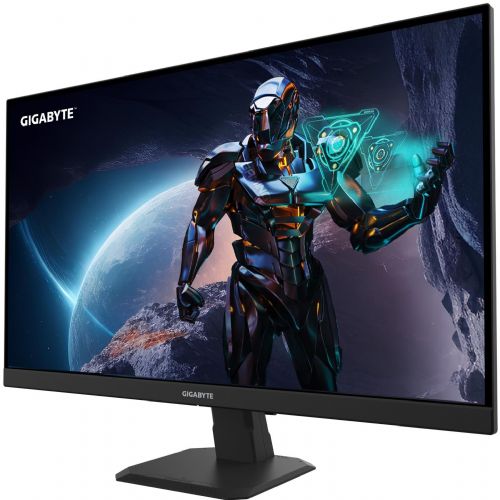
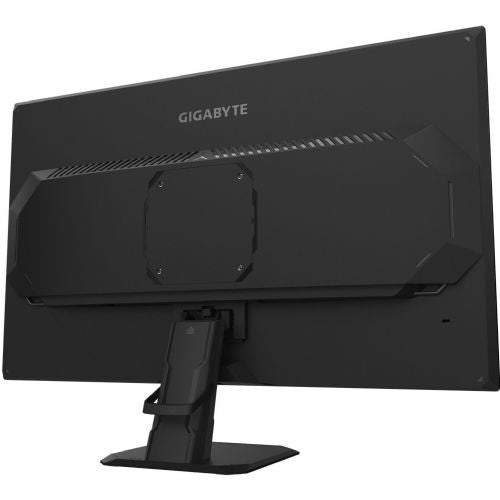
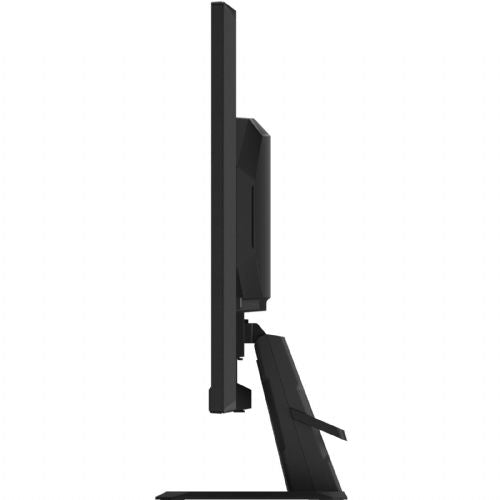
The 27-inch 4K IPS monitor is designed for gamers, business users, and anyone who needs a clear, detailed image and fast refresh rates for fast-paced work or gaming.
Screen diagonal : 68.6cm / 27"
Screen type : UHD SS IPS Edge type
Screen format : 16:9
Maximum resolution : 3840 x 2160 (UHD)
Response time : 1ms MPRT
Contrast : 1000:1
Brightness : 350 cd/m2
Viewing angle (horizontal/vertical) : 178°/178°
Digital frequency : up to 160Hz
Analog frequency : /
Connections :
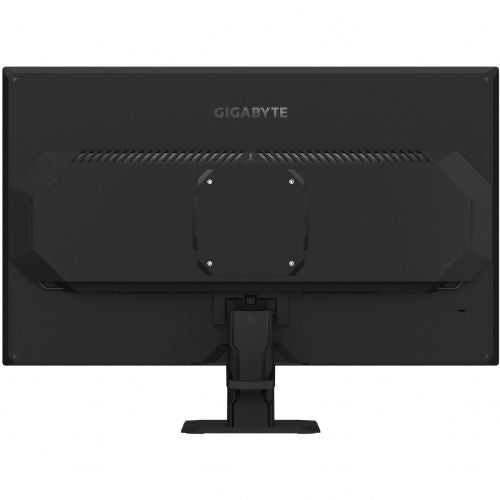
2x HDMI 2.1
1x DisplayPort 1.4
1x 3.5mm audio jack
Speakers : /
Consumption : 34W(Max), Power Saving Mode 0.5W, Power Off Mode 0.3W
Wall mounting option : VESA 100mm
Color : black
Additional : Tilt +20°~-5°, Kensington lock, included power, HDMI and DP cable
Color saturation: 95% DCI-P3/127% sRGB
IPS panel with up to OC 160Hz refresh rate
1ms MPRT response time
AMD FreeSync Premium
HDR400 Ready
OSD Sidekick
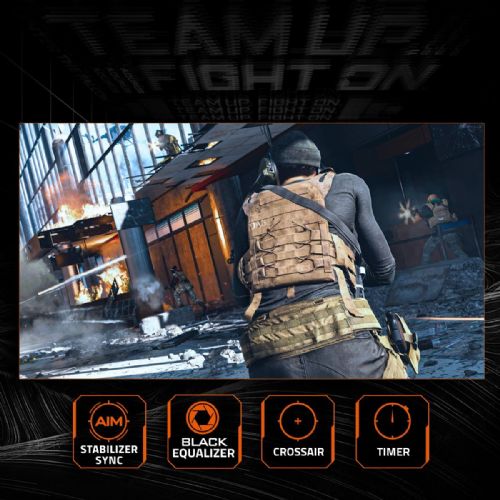
Aim Stabilizer
Black Equalizer
Crosshair
Timer
Flicker-free
PiP/PbP
Smart OD
Link to the information sheet and energy label: https://eprel.ec.europa.eu/screen/product/electronicdisplays/1823144
The GIGABYTE GS27U monitor with a 27-inch diagonal and high 4K resolution offers an extremely sharp and clear image, which is especially noticeable when working with multiple windows, spreadsheets and details in graphics. Due to its very fast image refresh rate (160 Hz) and 1 ms response time, it is suitable for both demanding gamers and users who need a smooth display when moving in applications. The IPS panel delivers wide viewing angles and color uniformity, which is beneficial for multitasking and collaboration in a business environment. The advanced features of the monitor are best utilized in rooms where there is enough space for an optimal viewing distance, which is especially recommended for this size. Due to its high resolution and frequency, it is also suitable as the main display in dual-monitor setups, but for classic text tasks or more economical use, it more than exceeds the basic requirements.
Recommendation source: Enaa guides and team experiences.
This monitor is often chosen by users who want a complete gaming experience, advanced multitasking, or a very sharp image when working with more demanding graphic content. It is suitable for demanding home users, gamers, and those who spend a large part of the day in front of a screen - they understand the value of high resolution and fast image refresh rates, especially for fast-paced content or multi-layered work.
If you're considering a multi-monitor setup or want an in-depth look at dynamic monitor work, a guide on choosing two monitors for greater efficiency will be helpful. Users also often trust the experience and quality of the Gigabyte brand, which is known for its reliable gaming products and well-coordinated offerings for computer enthusiasts.
In addition to expert support and advice, Enaa makes it easy to compare monitors by size, resolution, and intended use. Through extensive guides, you can find information that makes the selection process easier, which is especially useful when deciding on higher-end monitors or multi-monitor setups.
The GIGABYTE GS27U monitor has an IPS matrix and 4K resolution, which provides a good starting point for working with visual content, although for superior color accuracy in professional processing, we recommend checking the factory calibration and color space coverage specification.
The higher 4K resolution at this size allows for more detailed text, more desktop space, and better sharpness in graphics compared to a regular Full HD monitor, which is especially evident during serious multitasking or image editing.
The monitor supports typical connectors for modern computers (HDMI, DisplayPort), which allows you to connect most new desktops and laptops. Before purchasing, it is recommended to check whether your computer supports the selected resolution and refresh rate via these connectors. For more information on choosing, see our monitor selection guide .
Thanks to the IPS panel, matte surface and high image sharpness, the monitor is also suitable for working with documents or spreadsheets for several hours. It is recommended to consider the optimal viewing distance according to the screen size.
A high refresh rate (160 Hz) delivers smoother mouse movement, less motion blur, and a more comfortable experience when playing fast-paced video games or working with documents that require rapid movement.
Description updated: April 2026


