Your shopping cart
😊 Product added to cart successfully
Product removed to cart successfully

Couldn't load pickup availability
Izdelek bomo predvidoma poslali čez: 5 dni
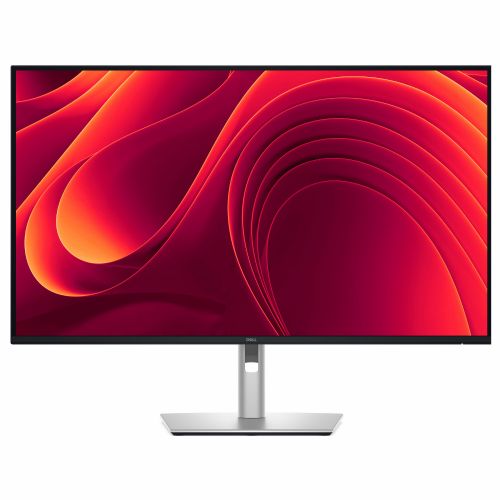
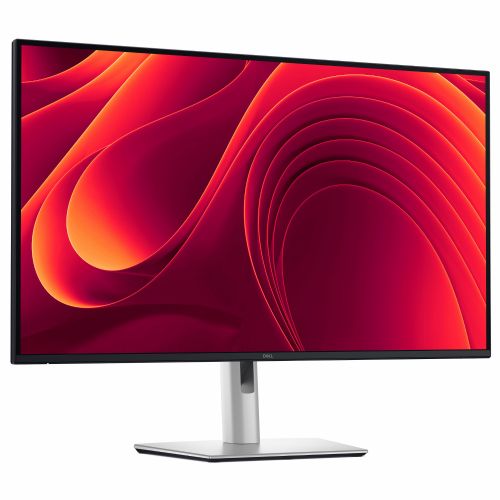
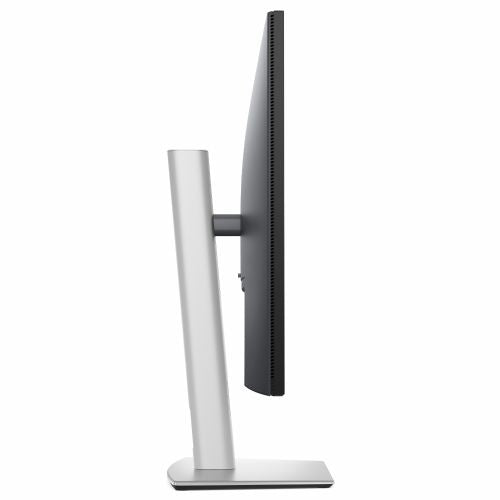
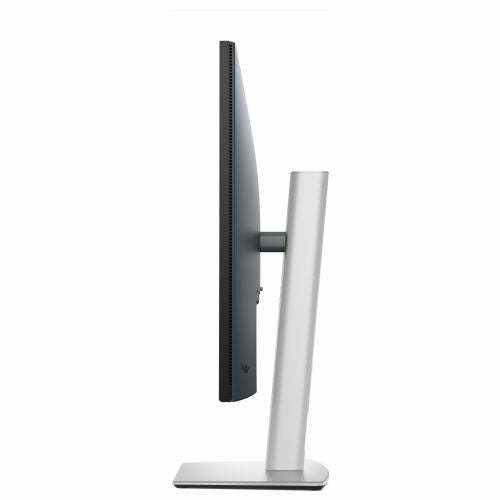
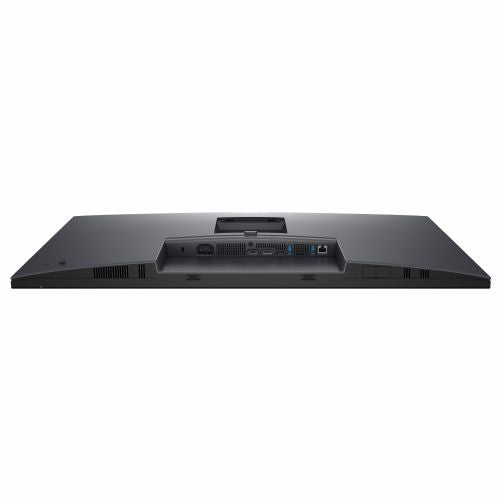
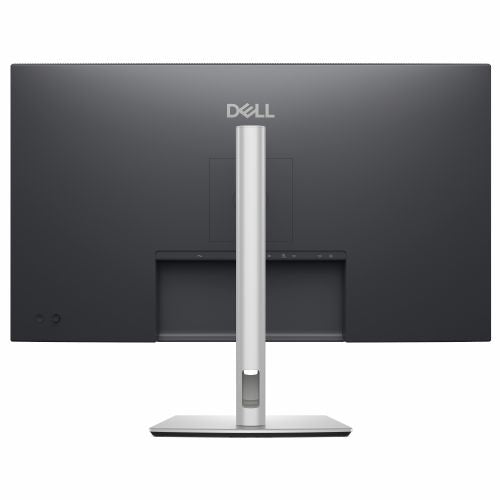
The 32-inch monitor with high 4K resolution is designed for business users, analysts, programmers, and anyone who needs clarity and precision when working with multiple open windows or data.
The Dell Pro 32 Plus P3225QE Monitor, 80.01 cm (31.5''), 3840 x 2160 (4K), IPS offers exceptional image quality and connectivity to meet the demanding workflows of business users, as well as the needs of demanding home users and gamers. The large format and high resolution provide a very precise display of details and a generous work surface for multitasking.
It is an advanced business monitor designed for professionals working with data, graphics or multiple applications at the same time, but also impresses gamers and home users with its high responsiveness and uniform brightness. In everyday use, it solves the challenges of limited workspace, poor connectivity and blurry images, and significantly reduces the need for additional docking stations.
Evaluation of key product features
| Property | Value | Emoji rating |
|---|---|---|
| Field of application | Business monitor | |
| Size | 80.1 cm (31.5'') | 🟢 9.5 |
| Resolution | 3840 x 2160 (4K UHD) | 🟢 10.0 |
| Panel type | IPS | 🟢 9.0 |
| HDMI connector | Yes | 🟢 9.0 |
| USB-C connector | Yes | 🟢 9.5 |
| Built-in docking station | Yes, 90W | 🟢 9.5 |
| Aspect ratio | 16:9 | 🟢 9.0 |
| Touch screen | No | |
| Curved screen | No | |
| Response time (ms) | 5 | 🟢 8.5 |
| Brightness (cd/ m2 ) | 350 | 🟢 8.5 |
⚖️ Compare features with other products of your choice
The 80.1 cm diagonal monitor with 4K resolution allows you to work in multiple windows at the same time without losing overview or image quality. The IPS panel delivers exceptional color accuracy and wide viewing angles, which is essential for graphic designers, analysts and anyone who wants an authentic visual experience. Uniform illumination with 350 cd/m 2 allows use even in bright workspaces.
Connectivity is top-notch: DP 1.4, HDMI 2.1 and USB-C with up to 90W power are available, which allows for simultaneous fast charging of the laptop and image and data transfer. The built-in docking station greatly simplifies work and reduces cable clutter on the desk. Reliable response time (5 ms) also satisfies most gamers looking for fast responses without noticeable latency.
It features a balanced ratio of size, ergonomics and performance, with a user-centric interface and high-quality images that stand out in everyday work, extended presentations and entertainment. Practical tilt and height adjustment options further contribute to comfort and reduce fatigue during prolonged use. An advanced set of connectors and a robust design set it apart from the average monitor in a business or home environment.
Screen
Screen diagonal: 80 cm (31.5")
Screen resolution: 3840 x 2160 pixels
HD type: 4K Ultra HD
Native aspect ratio: 16:9
Display technology: LCD
Panel type: IPS
Feature: LED backlight
Backlight type: Side LED
Brightness (typical): 350 cd/m²
Response time: 8 ms
Response time measurement type: GTG (gray to gray)
Feature: Anti-glare screen
Screen shape: Flat
Supported video modes: 480p, 576p, 720p, 1080p
Contrast ratio: 1500:1
Maximum refresh rate: 100 Hz
Viewing angle, horizontal: 178°
Viewing angle, vertical: 178°
Number of colors on the screen: 1.07 billion colors
Response time (fast): 5 ms
Pixel pitch: 0.1816 x 0.1816 mm
Pixel density: 140 ppi
Horizontal scan range: 30 - 230 kHz
Vertical scan range: 48 - 100 Hz
Visible size (horizontal): 69.7 cm
Visible size (vertical): 39.2 cm
Visible size (diagonal): 80 cm
Surface hardness: 3H
sRGB coverage (classic): 99%
Feature: Dell ComfortView Technology
Heat dissipation (typical): 94.9 BTU/h
Services
Feature: Flicker-free technology
Feature: Low Blue Light Technology
Supports Windows operating systems: Windows 10
Feature: Supports Mac operating systems
design
Product color: black, gray
Front frame: black
Foot color: gray
Connections and interfaces
Feature: Built-in USB hub
Number of USB Type-C input ports: 1
Number of USB-A downstream slots: 3
Number of USB-C input ports: 1
Function: USB Type-C DisplayPort alternate mode
Function: USB powered
USB power adapter up to: 90 W
Feature: HDMI
Number of HDMI inputs: 1
Number of DisplayPort connectors: 1
DisplayPort version: 1.4
Function: HDCP
HDCP version: 2.2
ergonomics
Feature: VESA mount
Panel mounting interface: 100 x 100 mm
Feature: Improved cable management
Feature: Cable lock slot
Cable lock slot type: Kensington
Feature: Height adjustment
Adjustable height (max.): 15 cm
Feature: Pivot
Rotation angle: -90 - 90°
Feature: Rotatable
Rotation angle range: -30 - 30°
Feature: Tilt adjustment
Tilt angle range: -5 - 21°
Function: On-Screen Display (OSD)
Function: Plug and play
Feature: LED indicators
energy
Energy efficiency class (EER): F
Energy efficiency class (HDR): Not available
Energy consumption (SDR) per 1000 hours: 28 kWh
Power consumption (standard operation): 27.8 W
Power consumption (standby): 0.4 W
Power consumption (max): 205 W
Power consumption (off): 0.3 W
AC input voltage: 100-240 V
AC input frequency: 50/60 Hz
Input current: 2.8 A
Power supply type: Internal
Energy efficiency scale: from A to G
Working conditions
Operating temperature: 0 - 40 °C
Storage temperature range: -20 - 60 °C
Operating relative humidity: 10-80%
Storage humidity: 5 - 90%
Operating altitude: 0 - 5000 m
Storage altitude: 0 - 12192 m
Weight and dimensions
Device width (including stand): 713.4 mm
Device depth (including stand): 215 mm
Device height (including stand): 619 mm
Weight (including stand): 9.16 kg
Width (without stand): 713.4 mm
Depth (without stand): 50 mm
Height (without stand): 413.1 mm
Weight (without stand): 6.65 kg
Frame width (side): 8.05 mm
Bezel width (top): 7.88 mm
Frame width (bottom): 1.3 cm
Packaging information
Package weight: 12.9 kg
Scope of delivery
Feature: Stand included
Cables included: DisplayPort, USB Type A to USB Type C, USB Type C
DisplayPort cable length: 1.8 m
sustainability
Sustainability certifications: ENERGY STAR, EPEAT Climate+, EPEAT Gold, TCO
Does not contain: arsenic, mercury, PVC/BFR
Carbon footprint
Total carbon footprint (kg CO2e): 328
Carbon emissions, production (kg CO2e): 148,584
Carbon emissions, logistics (kg CO2e): 24,272
Carbon emissions, energy consumption (kg CO2e): 136.12
End-of-life carbon emissions (kg CO2e): 19,024
Total carbon emissions, with/without use phase (kg CO2e): 191.88
PAIA Version: GaBi Version 1, 2024
Other functions
Certificates of conformity: RoHS
Number of Ethernet LAN ports (RJ-45): 1
Function: Wake-On-LAN
Certificate: TÜV Rheinland Eye Comfort 3.0
Brand characteristics
Feature: Compatible with Dell Display Manager (DDM)
Stay productive with this 81.28 cm (32") 4K monitor with extensive connectivity and TÜV certification for 4-star eye comfort.
The text is machine translated.
The Dell Pro 32 Plus P3225QE monitor, with a large 31.5-inch diagonal and 4K UHD resolution, offers excellent clarity and detailed images, which is crucial for business users who often work with multiple windows, spreadsheets or detailed content. Due to the combination of an IPS panel and a USB-C port with power, it is also suitable for hybrid work with newer laptops. This monitor is particularly well suited for those who value comfort in everyday use, multitasking or image quality in professional tasks. However, it is not the first choice for demanding e-sports gaming due to the standard refresh rate, but it is suitable for casual gaming and wide consumer use.
Recommendation source: Enaa guides and team experiences.
Typical users of this monitor are business professionals, analysts, programmers, or those who need a large work surface and quick switching between multiple applications. The large diagonal and high resolution make it particularly suitable for editing spreadsheets, working with graphics, analyzing data, or creating content, as well as for home offices where a good balance between visibility and ergonomics is important. Anyone considering a multi-monitor setup or wanting more information on the benefits of larger screens can read our guide to dual monitor productivity .
Individuals who regularly use Dell devices often choose this monitor due to their confidence in the build quality and good support within the Dell ecosystem.
When choosing monitors at Enaa, you have access to proven professional content and guides that make it easier to decide on the size, resolution, and purpose of the device based on your usage. At the same time, we provide detailed information on the actual compatibility of connectors with modern laptops and clearly highlight the practical advantages of individual technologies.
Yes, the combination of a large diagonal and 4K resolution offers a high level of sharpness, which is especially useful when working with multiple windows or spreadsheets. It is only important to ensure enough space on the desk and the appropriate viewing distance for optimal comfort.
In addition to classic connectors (HDMI, DisplayPort), this model also has USB-C with power delivery (up to 90 W), which allows for easy connection and powering of modern laptops via a single cable.
Yes, its consistent resolution and large work area make this monitor a good choice for your main display, especially in tandem multitasking setups. You can learn more about the benefits of such a setup in our dual monitor guide .
This monitor is not specifically designed for competitive fast-paced gaming or professional work with the highest color accuracy, as the standard refresh rate and basic color settings are more suited to general and business use.
Description updated: April 2026


