Your shopping cart
😊 Product added to cart successfully
Product removed to cart successfully

Couldn't load pickup availability
Izdelek bomo predvidoma poslali čez: 2 dni
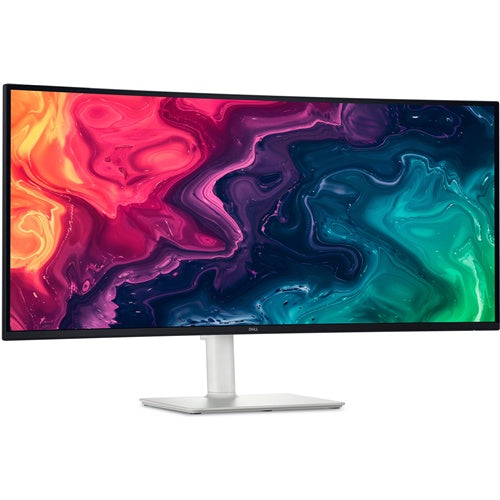
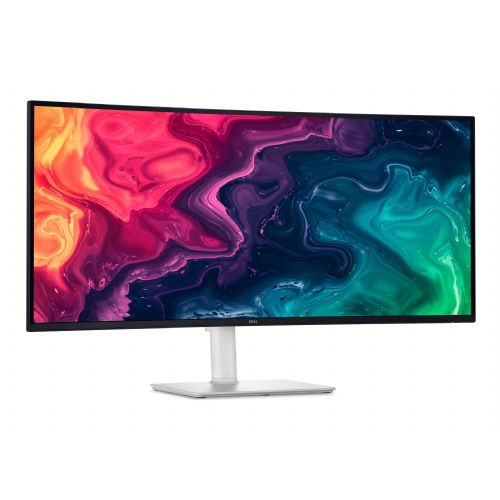

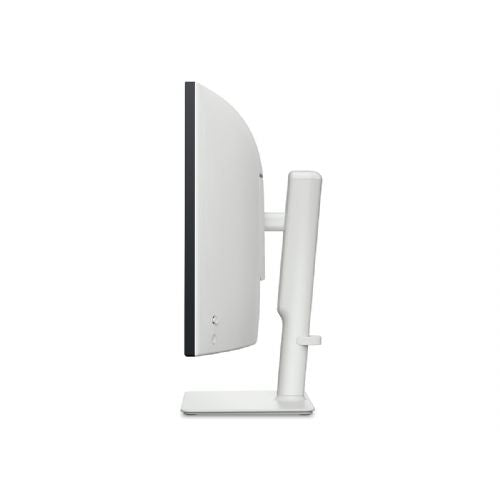
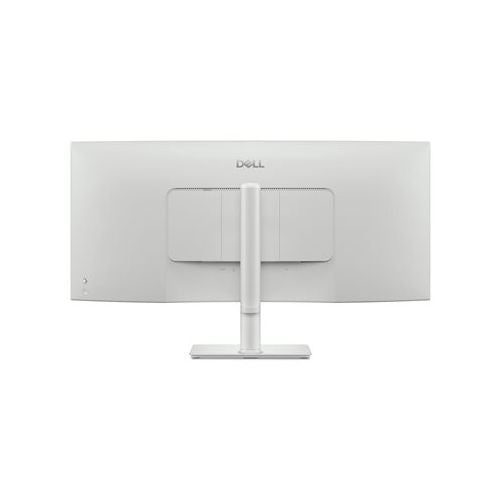
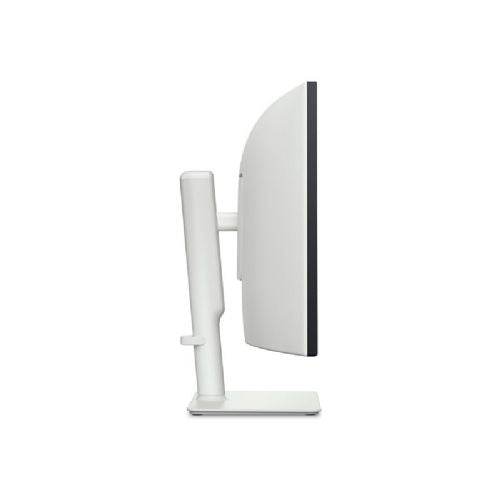
The Dell Plus S3425DW monitor with a 34-inch diagonal and 21:9 aspect ratio is designed for users who want a single, wide workspace and multitasking without interruptions between windows. The ultrawide resolution of 3440 x 1440 allows for a clear display of multiple applications at the same time, which is especially suitable for business use, analytics or creative work. Thanks to the VA panel and integrated speakers, it is also suitable for home multimedia and casual gaming, although due to the lower refresh rate it is not the best suited for very dynamic games. The USB-C connection function with 65 W power delivery allows easy connectivity with modern laptops, but it is recommended to check the supported video output modes on your device.
Recommendation source: Enaa guides and team experiences.
Typical users of this monitor include those who frequently manage multiple applications at the same time, analyze data, or want to have a wide timeline in front of them without the need for two separate screens for work or study. Business users and analysts appreciate the ability to clearly arrange windows in Excel, while multimedia enthusiasts benefit from the exceptional width and spaciousness when watching movies or editing video content. Users interested in the optimal layout can read more about choosing ultrawide monitors in our monitor size guide .
Brand trust plays an important role when choosing monitors; that's why many users base their digital experience on the reliability and tradition of the Dell brand, which offers an extensive ecosystem of devices and quality support.
At Enaa, you can choose from a proven range of monitors with the option of professional advice, which makes it easier for you to navigate between different models and features. In addition, all compatibility and usability information is clearly stated, contributing to a more informed choice when purchasing a monitor for your needs.
Yes, thanks to its 21:9 wide format and high resolution, the Dell Plus S3425DW monitor makes it easy to arrange multiple applications at once, which is especially useful for Excel, analytics, or project tasks.
Users who want seamless movement between windows, a visually clear timeline when editing video, or who frequently compare documents benefit the most – you can read more about the advantages in our guide to working with multiple monitors .
If your laptop supports video output via USB-C (DisplayPort Alt Mode or Thunderbolt), you can simultaneously power the device and transmit the image with a single cable, simplifying setup.
For optimal comfort and clarity, we recommend a viewing distance of between 70 and 90 cm, with the screen positioned so that the top edge of the screen does not exceed eye level.
The monitor is perfectly adequate for casual gaming with rich visuals and a wide field of view. For more demanding games where high refresh rates are key, we recommend checking the title requirements or upgrade options.
Description updated: April 2026


