Your shopping cart
😊 Product added to cart successfully
Product removed to cart successfully

Couldn't load pickup availability
Izdelek bomo predvidoma poslali čez: 2 dni
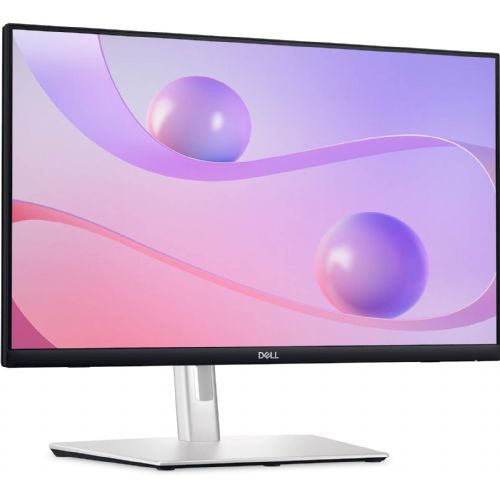
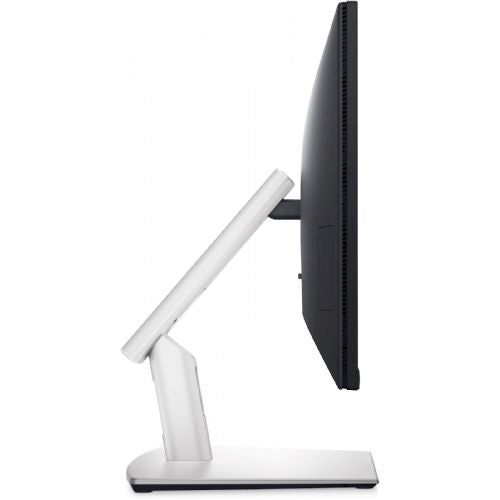
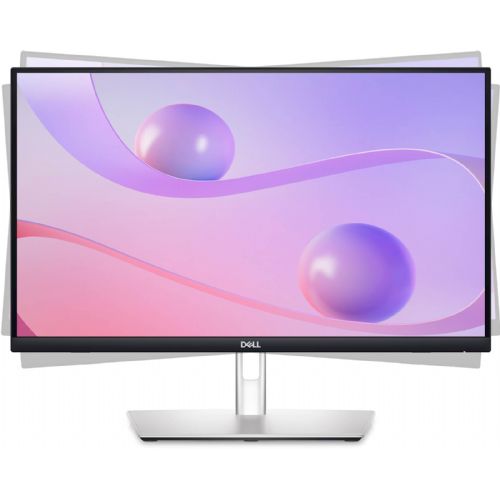
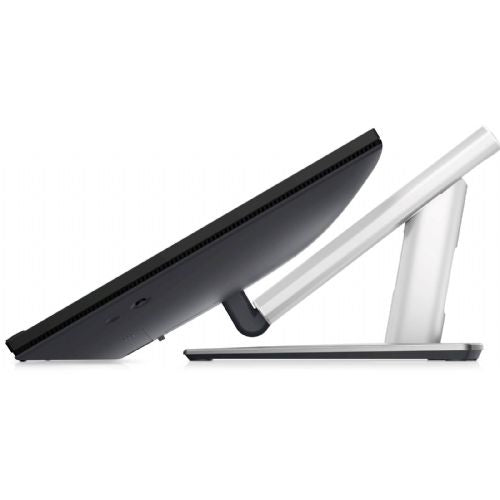
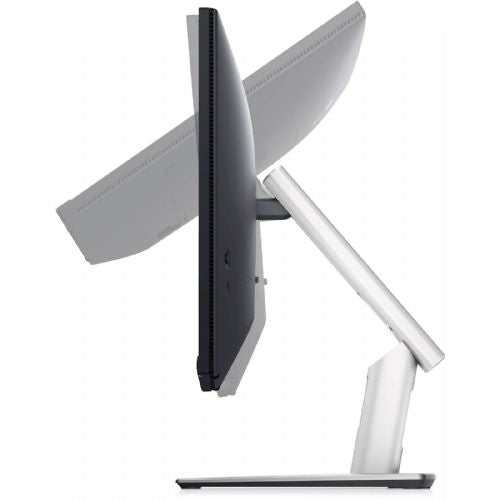
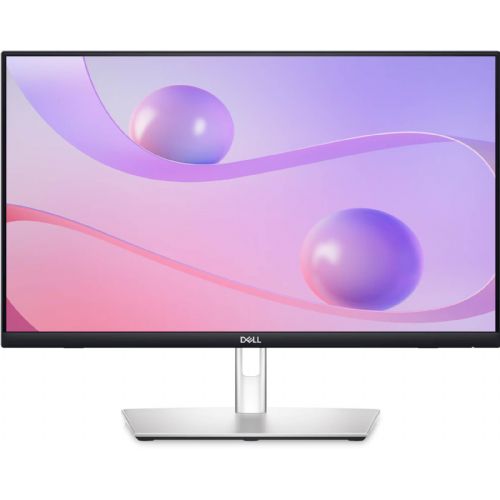
The Dell P2424HT Monitor, 60.45 cm (23.8"), 1920 x 1080 (FHD), IPS, 300 cd/m2, 5 ms, 60 Hz, 16:9, USB-C (90 W), HMDI, DP, touch (210-BHSK) is a modern, highly functional business monitor designed for advanced users who value comfort, responsiveness, and intuitive control. With an innovative touch screen and rich connectivity options, it simplifies work in offices, meeting rooms, and remote work from home.
Evaluation of key product features| Property | Value | Emoji rating |
|---|---|---|
| Field of application | Business monitor | 🟢 9.5 |
| Size | 60.45 cm (23.8") | 🟢 9.0 |
| Resolution | 1920 x 1080 (FHD) | 🟢 8.5 |
| Panel type | IPS | 🟢 9.0 |
| HDMI connector | Yes | |
| USB-C connector | Yes | 🟢 9.5 |
| Built-in docking station | Yes, 90W | 🟢 9.5 |
| Aspect ratio | 16:9 | 🟢 8.5 |
| Touch screen | Yes | 🟢 9.0 |
| Curved screen | No | |
| Response time (ms) | 5 | 🟡 6.5 |
| Brightness (cd/m2) | 300 | 🟢 8.0 |
It is an advanced solution for business users, creatives and those who need a combination of excellent images, a variety of connections and ease of use. The advanced IPS panel offers wide viewing angles and accurate color reproduction, making the screen suitable for long-term work, presentations and collaborative work in teams. Full HD resolution is optimal for everyday tasks, while also allowing detailed viewing of documents or multimedia content.
The monitor stands out with an integrated touchscreen that makes navigation easy without the need for additional peripherals, which is especially convenient in interactive presentations, reception areas or specialized workstations. The docking station with USB-C connection (90 W) allows direct power supply to laptops and the transfer of image, audio and data via a single cable - this ensures a tidy working environment without unnecessary cables.
The 300 cd/m² brightness ensures a clear image, even in bright rooms, while the 5 ms response time offers a reliable user experience for regular work or occasional entertainment. The adjustable stand and rich connectivity (HDMI, USB-C, DisplayPort) further increase the monitor's versatility, so you can easily integrate it into your existing office or home setup.
The combination of modern technologies, top-notch connectivity, and responsive touch control makes this monitor an excellent choice for businesses, advanced individuals, and those who need maximum efficiency and flexibility in their work.
The Dell P2424HT is a 23.8-inch monitor that offers a balanced combination of screen size and FHD resolution, which is especially suitable for business users, students, and those who often use multiple open windows or perform administrative work. Thanks to the IPS panel and USB-C connectivity, it is suitable for working from home or for use as an additional display next to a laptop. The built-in touch functionality can facilitate interactive work, but it is not intended for graphic or professional creativity, where higher resolution and special color standards are at the forefront. The basic refresh rate of 60 Hz and a matte screen ensure comfortable use for everyday office tasks, but for demanding gaming or intensive work with graphics, this model may be less suitable.
Taken from: Enaa guides and team experiences.
The Dell P2424HT monitor is most commonly used by those who want a reliable and clear work environment – whether in a traditional office, working from home or supporting hybrid setups. Its size and connectivity make it a popular choice for email management, document management, video calling or as a secondary display for a laptop. Those who need two monitors for greater efficiency will find this diagonal and USB-C connectivity a practical solution for a clearer work environment – more about this setup can be found in our guide to choosing a dual monitor . The interactive touch screen makes it easier for users to collaborate or make quick adjustments to content.
Users often trust the Dell brand for its wide range of monitors and recognized product stability in the business environment.
At Enaa, you have access to verified information and experienced experts who help you understand the differences between monitors and advise on the suitability of each model for your work environment. We also provide a clear presentation of key features and practical guides that make it easier to select a product based on your needs.
Yes, the Dell P2424HT is suitable as a primary display for working from home, especially if your tasks are office-related, document work or online communication. The USB-C port makes connecting to new laptops easy.
Due to its size and USB-C connectivity, the monitor is often used in dual setups where you need clarity when working with multiple windows. You can read more about the effectiveness of dual monitors in our dual monitor guide .
The FHD resolution screen and IPS panel allow for comfortable viewing of videos and movies from various angles, but it is not intended for professional image processing.
Basic touch functions are suitable for interactive use or simplified system management, but the monitor is not intended for demanding graphic production or professional use in design programs.
Viewing distance and desk space are important when choosing a monitor size; for more advice, see our guide to the right monitor size .
Description updated: March 2026


