Your shopping cart
😊 Product added to cart successfully
Product removed to cart successfully

Couldn't load pickup availability
Izdelek bomo predvidoma poslali čez: 2 dni
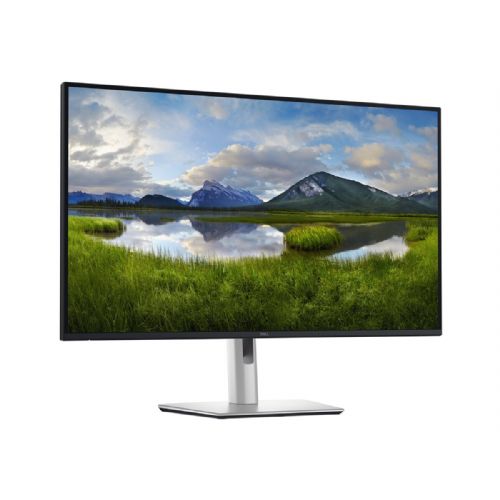
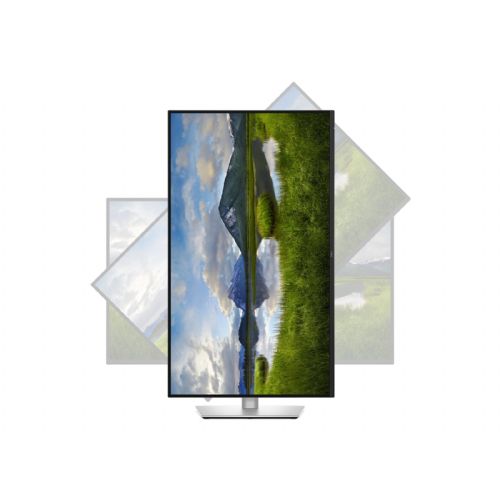
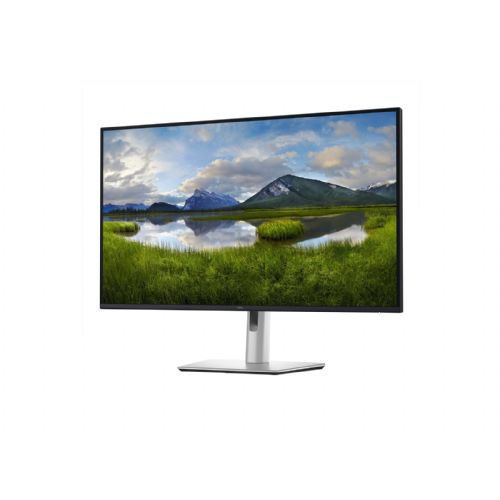
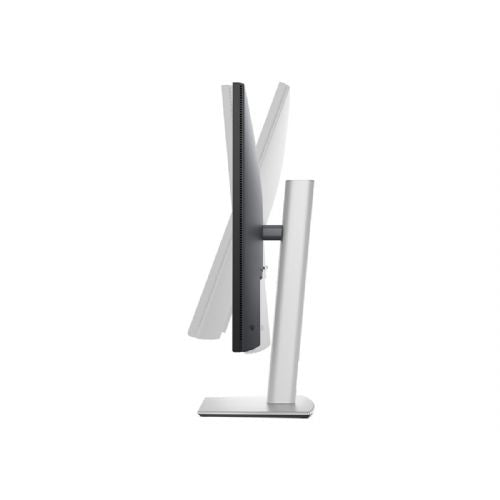

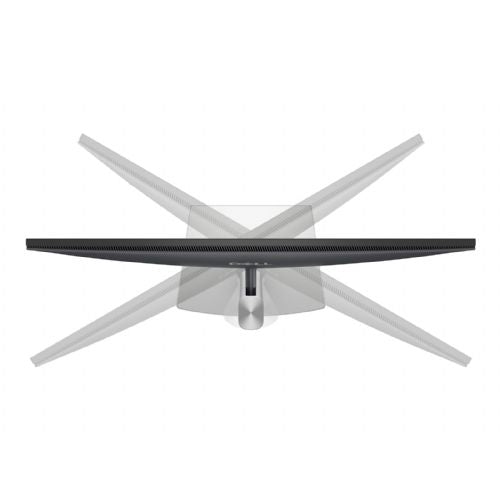
Great for office work Suitable for multitasking Large 32" 4K display
The DELL 81.28 cm (32") P3225QE UHD IPS LED HDMI DP 3xUSB 1xUSB-C 90W PD RJ-45 3YPPG AE monitor is an excellent choice for users who demand superior images, advanced connectivity, and reliable performance in business and home environments. With a large 32-inch screen and exceptional 4K UHD resolution, it delivers a superior experience for work, entertainment, or gaming.
This product is designed primarily for business users who need a wide work surface, accurate color reproduction and modern connectors for connecting multiple devices. Due to its versatile real monitor, it is also suitable for demanding consumers and gamers who want multitasking, sharpness and advanced ergonomics.
With ultra-high resolution, it enables multi-application transparency, and 90-W USB-C power delivery makes it easy to connect laptops and other devices. The built-in docking station improves desk organization, connectivity speed, and efficiency. The fast response time and stable screen brightness ensure smooth image display even during fast movements, which is ideal for multitasking, graphic work, or gaming.
Evaluation of key product features| Property | Value | Emoji rating |
|---|---|---|
| Field of application | Business monitor | 🟢 10 |
| Size | 81.28 cm (32") | 🟢 9.5 |
| Resolution | 3840 x 2160 (4K UHD) | 🟢 10 |
| Panel type | IPS | 🟢 9 |
| HDMI connector | Yes | 🟢 10 |
| USB-C connector | Yes | 🟢 9.5 |
| Built-in docking station | Yes, 90W | 🟢 9 |
| Aspect ratio | 16:9 | 🟢 9 |
| Touch screen | No | |
| Curved screen | No | |
| Response time (ms) | 5 | 🟢 8.5 |
| Brightness (cd/m2) | 350 | 🟢 8.5 |
Thanks to its large surface area and 4K UHD resolution, the monitor makes it easy to work with multiple windows, review complex spreadsheets, or edit graphics. The IPS panel offers wide viewing angles without color distortion, enabling worry-free teamwork and authentic display.
Advanced connectivity is one of the key advantages - HDMI, DisplayPort, three USB ports and modern USB-C with 90W power delivery allow you to connect virtually all modern computers and mobile devices, including the latest laptops. Fast charging and data transfer are enabled, while the docking station also provides you with a wired network connection via RJ-45 for reliable business use.
The monitor features a 5ms response time, which significantly reduces image blurring during fast movements and is ideal for work and entertainment. The brightness of 350 cd/m² ensures comfortable work even in brighter rooms, and the 16:9 ratio is the standard for widely compatible applications and content.
The combination of an advanced display, rich connectivity, and easy device management options makes this monitor one of the most complete solutions for any tidy office corner or home workstation. Comfortable and fast use, as well as impeccable image quality ensure that your everyday experience will be more productive, clear, and enjoyable.
The DELL P3225QE monitor with a 32-inch diagonal and 4K resolution meets the requirements of users who need a very large work surface and clearly displayed details at work - especially in areas where you use multiple applications or large spreadsheets at the same time. Thanks to the IPS screen and numerous connections (including USB-C), it is particularly suitable for modern business layouts, home offices and creative work. Although its large physical size makes it optimal for larger desks, it is not ideal for small spaces or users who do not want to frequently move their gaze across a large surface. Since it offers full 4K sharpness, it allows comfortable multitasking, but other parameters, such as a higher refresh rate and response speed, are important for an advanced gaming experience.
Taken from: Enaa guides and team experiences.
The majority of users of this monitor are business users, analysts, developers and content creators who appreciate the extremely sharp image and the generous space for multiple open windows. In office environments and when working from home, it makes it easier to see multiple documents or applications at once without having to constantly switch between them. Those who occasionally play games also appreciate the large screen, although more powerful gaming monitors offer higher refresh rates. For more practical advice on choosing a monitor size and type, you can find our guide on choosing a monitor size .
Users often choose Dell products because they provide a balanced combination of reliability, image quality, and flexibility for a variety of work environments.
At Enaa, you can take advantage of the professional support of our team, where we help you with experience and clear information when choosing a monitor, and access to a wide range of models, allowing you to compare different solutions in one place.
Yes, this combination of size and resolution allows for extremely sharp character display and enough space for multiple documents at once, provided the desk is large enough for optimal viewing distance.
The monitor supports USB-C connection with image, data, and power transfer. Before connecting, please check if your laptop supports video transfer via USB-C (DisplayPort Alt Mode or Thunderbolt).
Due to its large diagonal, 4K resolution, and IPS panel, it is suitable for such use, but for professional color processing, it makes sense to check the color gamut and calibration options.
The monitor has multiple inputs (HDMI, DisplayPort, USB-C), allowing you to connect a variety of devices. You can easily switch between sources in the monitor's menu.
In addition to desk space and screen distance, the ratio of resolution to size and viewing comfort are also important, and you can find more information in our guide to choosing a monitor size .
Description updated: March 2026


