Your shopping cart
😊 Product added to cart successfully
Product removed to cart successfully

Couldn't load pickup availability
Izdelek bomo predvidoma poslali čez: 1 dni
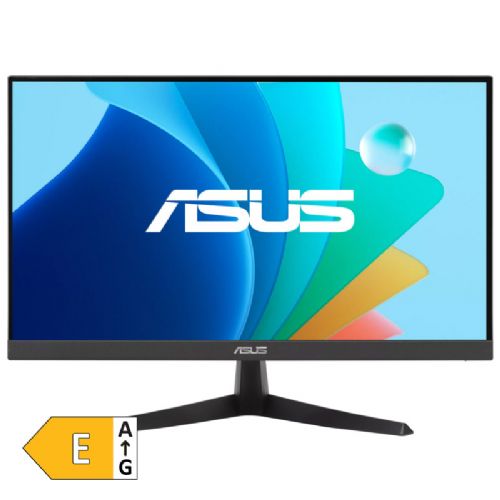

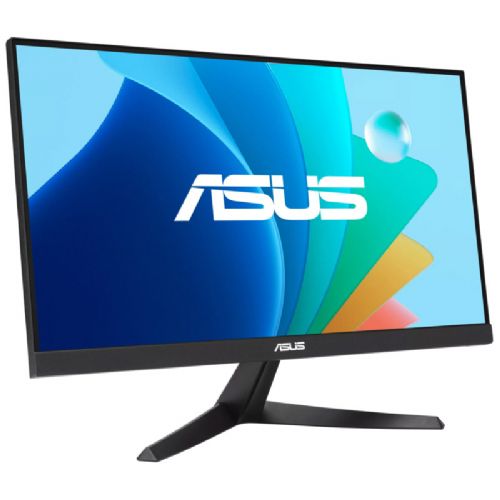
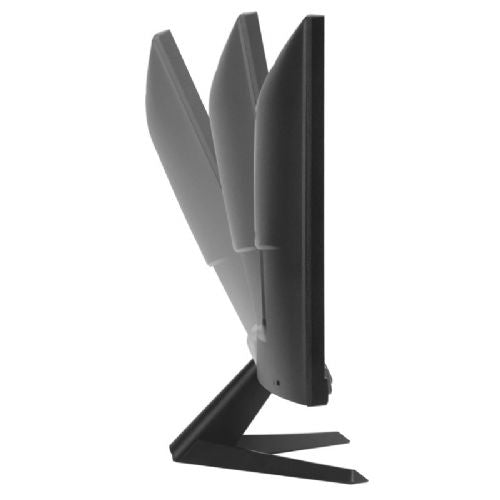
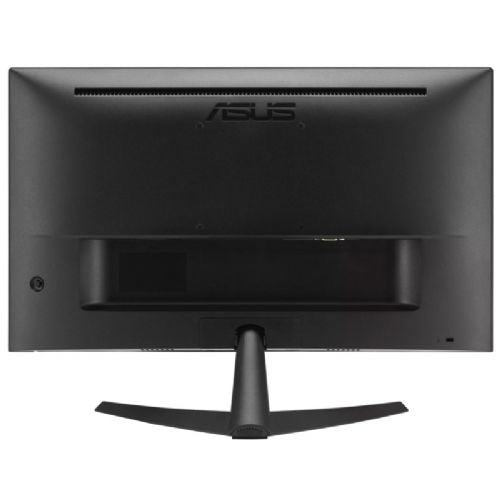
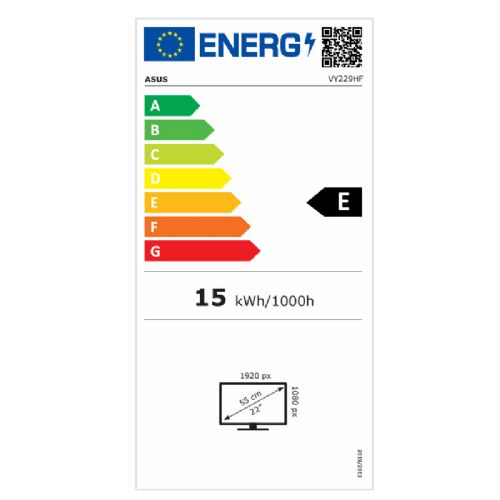
The 21.45-inch Full HD monitor is designed for users for home or office work and gaming.
ASUS VY229HF 55.88cm (22") 100Hz FHD IPS HDMI/VGA gaming monitor
Designed for comfortable everyday use
The ASUS VY229HF is a 21.45-inch monitor designed for users looking for a reliable display for work, education, web browsing, and home use. It combines a high-quality IPS matrix, smooth image display, and eye-protection technologies, making it suitable for long-term use both at home and in the office.
Clear image from every angle
Full HD resolution delivers sharp images for everyday tasks, while IPS technology delivers wide viewing angles and consistent color reproduction. Photos, videos, and documents appear clear and natural, regardless of your viewing position.
Streaming content
With a refresh rate of 100 Hz and SmoothMotion technology, the monitor provides significantly smoother image movement compared to classic 60 Hz displays. This improves the user experience when browsing documents, watching videos and playing occasional games. Adaptive Sync further contributes to a smoother display without annoying image tearing.
Less eye fatigue when working for long periods of time
The monitor includes ASUS Eye Care Plus technologies to help reduce eye strain during prolonged use. Built-in blue light reduction filters and flicker-free display make for a more enjoyable and comfortable experience when studying, working remotely, or watching content for hours.
A more accessible experience for everyone
The special Color Augmentation feature helps users with color vision impairments more easily distinguish between individual colors, while the Rest Reminder feature encourages regular breaks during work for healthier work habits.
Hygienic design for shared environments
The edges of the monitor and the buttons are treated with a special antibacterial coating that helps limit the growth of bacteria and keeps surfaces cleaner. This is especially welcome in offices, classrooms, reception areas and other environments where the monitor is used by multiple people.
A great choice for home, school and office
ASUS VY229HF combines a high-quality IPS display, smooth 100Hz refresh rate, and advanced eye-protection features in a compact form factor. It is a practical solution for users who want a comfortable and reliable monitor for everyday work, learning, and entertainment.
The key to choosing is whether you're comfortable with a smaller screen workspace or want to have multiple large windows open at once. The compact size makes it easy to place on a desk, but it doesn't replace the space a larger screen offers for spreadsheets or multitasking.
Source of editorial recommendations: ENAA guides and team experience.
Very convenient - the compact size is practical when there is not much space on the desk, and Full HD is suitable for normal office use, given the diagonal.
Suitable with limitations - it may be sufficient for switching between documents and applications, but on a smaller screen there will be less room to display more content at once.
Suitable with limitations - you can view the content, but with large tables or long documents, scrolling and adjusting the display will be more frequent.
Suitable with limitations – the monitor is also intended for gaming, but the smaller diagonal may not be suitable if you want a larger and wider game display.
Yes. With a smaller diagonal, Full HD is a suitable choice for regular text work and web content.
It is useful for basic multitasking, but due to the smaller work area, viewing multiple large documents simultaneously can be less clear.
Yes, the monitor is labeled as a gaming monitor. However, keep in mind that a smaller diagonal does not offer as large a display as a larger screen; suitability for individual games also depends on your computer and expectations.
Description updated: October 2026
If you are still deciding, the following content may also be helpful.
Best products
Products for various purposes
Monitors for working from home


