Your shopping cart
😊 Product added to cart successfully
Product removed to cart successfully

Couldn't load pickup availability
Izdelek bomo predvidoma poslali čez: 5 dni
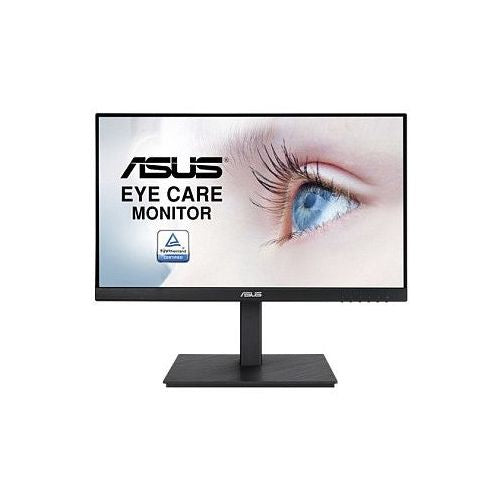
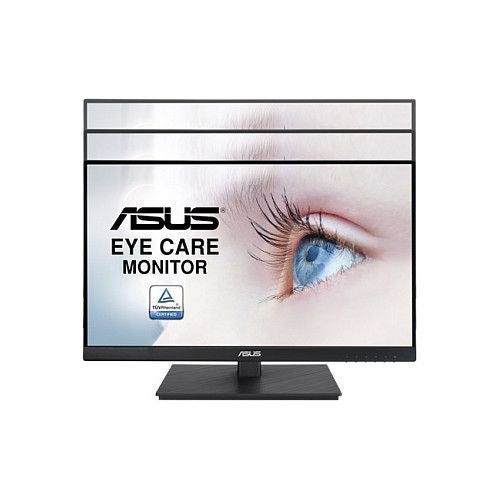
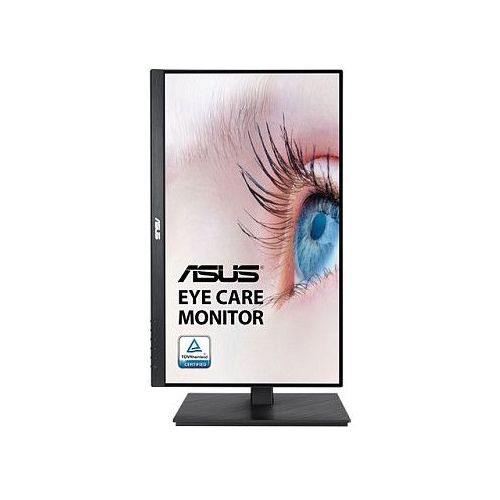
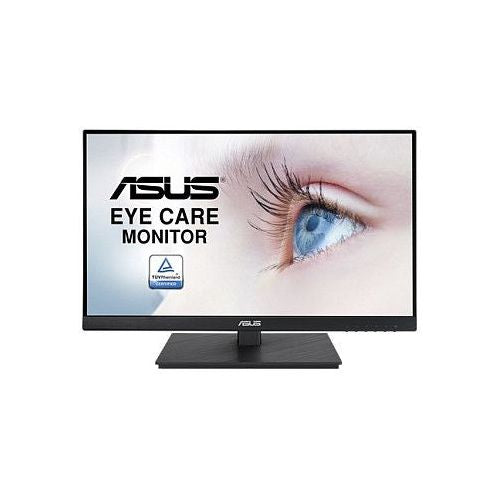
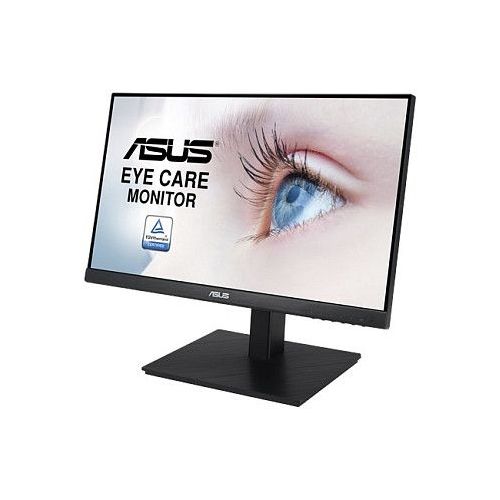

The 22-inch IPS monitor is suitable for business users, students, and home use where image clarity and comfortable working with documents or online content are important.
The Asus VA229QSB monitor is a 22-inch display with IPS technology, designed for use in offices, home environments or for entertainment. In the monitor segment, it offers a balance between compact size, image clarity and practical flexibility for everyday work, study or leisure. The monitor allows connection via HDMI, which simplifies connection to computers, laptops or game consoles.
IPS panel technology ensures stable color reproduction and wide viewing angles, so the picture is clear and color-accurate even when viewed from the side. Full HD resolution (1920 x 1080) means images and text are displayed sharply, allowing you to comfortably work with multiple windows, edit documents, or watch videos without noticeable pixels.
The 5ms response time provides a smooth experience when moving images and changing frames, which is important for everyday use and occasional multimedia content or gaming. The refresh rate of up to 75Hz ensures smoother motion display compared to classic 60Hz monitors, which is noticeable when moving the cursor or faster actions.
The 250 cd/m² brightness means that the display is clearly visible in most common indoor lighting conditions. Since the screen is not curved or touch-sensitive, it is primarily intended for classic use with a mouse and keyboard, in cases where a standard form factor and reliable functionality are important.
Key product features
| Property | Value | Rating |
|---|---|---|
| Field of application | Gaming monitor | |
| Resolution | 1920 x 1080 (FHD) | 🟢 9.0 |
| Panel type | IPS | 🟢 9.4 |
| HDMI connector | Yes | |
| USB-C connector | No | |
| Built-in docking station | No | |
| Aspect ratio | 16:9 | |
| Touch screen | No | |
| Curved screen | No | |
| Response time (ms) | 5 | 🟡 6.5 |
| Brightness (cd/m2) | 250 | 🟡 7.0 |
⚖️ Compare features with other products of your choice
The monitor's compact dimensions make it easy to place even on smaller work surfaces. Thanks to the IPS panel, the display is suitable for users who need reliable color reproduction and uniform image quality across different parts of the screen, which is practical when editing photos, designing graphics, or watching content in groups.
The HDMI port provides modern connectivity, allowing you to connect to the widest range of devices, such as computers, laptops and game consoles. The classic 16:9 aspect ratio is optimal for most modern applications, allowing for efficient multi-window work or widescreen presentation of multimedia content.
The monitor does not support USB-C or touch, meaning it is focused on standard use with wired devices. The 250 cd/m² brightness ensures good readability and comfort for extended use without eye strain in normal lighting conditions. Each of these features allows for versatile use in home, study or business environments without complicated adjustments.
| Screen diagonal | 55 cm (22 inches) | ||
| Screen resolution | 1920 x 1080 pixels | ||
| type | Gaming monitor | ||
| Color | black | ||
| Manufacturer's no. | 90LM06C3-B02370 | ||
| Suitable for | Games | ||
| Picture | format | 16:9 | |
| Technology | LED light | ||
| Panel technology | IPS | ||
| functions | Full high definition | ||
| brightness | 250 cd/m² | ||
| refresh rate | 75Hz | ||
| Viewing angle (10:1) | Horizontal | 178° | |
| Vertical | 178° | ||
| Pixel pitch | Horizontal | 0.248mm | |
| Vertical | 0.248mm | ||
| Colors | 16.78 million | ||
| reaction time | GtG | 5ms | |
| contrast | Dynamic | 100,000,000 : 1 | |
| Static | 1,000 : 1 | ||
| frequency | Vertical | 48–75 Hz | |
| Horizontal | 30-85kHz | ||
| Links | 1x HDMI input (HDMI version: 1.4), 1x DisplayPort input (DisplayPort version: 1.2), 1x 3.5 mm audio input, 1x headphone output | ||
| ergonomics | type | Swivel, swivel, tilt, height adjustable | |
| Rotating | 90° left, 90° right | ||
| Tilting | -5° forward, 35° backward | ||
| Adjustable height | 130mm | ||
| power supply | Eco-off | 0.3 watts | |
| Speakers | Number | 2 | |
| Total capacity | 4 watts | ||
| wall bracket | VESA compatible (100 x 100 mm) | ||
| Features | LED without flickering, weak blue light | ||
| AMD FreeSync | |||
| Dimensions | Width: 49 cm x Height: 42.3 cm x Depth/Length: 21.1 cm | ||
Choosing a 22-inch IPS FullHD monitor like the Asus VA229QSB is often a compromise between space efficiency, display clarity, and eye comfort. Before purchasing, it's crucial to assess whether the measurements and technical specifications match your intended use, especially if you're considering multitasking or prolonged use in a work environment.
Source of editorial recommendations: ENAA guides and team experience.
The monitor is well suited for basic document work, email, and web browsing where space for larger devices is limited.
Suitable with limitations - due to the smaller diagonal and FullHD resolution, working with multiple open windows at the same time is hindered, switching between applications requires more frequent switching or increased zoom.
If your laptop or computer supports HDMI or another interface on the monitor, you can easily incorporate it into a typical office or home setup.
The 22" monitor fits perfectly into the limited space conditions often found in home offices or temporary workstations.
Suitable with limitations - 75 Hz provides a smoother image than 60 Hz, but professional or e-sports gaming is not the target use for this diagonal and resolution.
For a dual setup, it is recommended to choose a monitor with a comparable diagonal, resolution, and panel to ensure consistent images; this model combines well with other 22" or 24" FullHD IPS displays.
IPS technology allows for wide viewing angles, so colors and contrast are maintained even when viewed from the side, which is good for collaborative work.
When working with documents and browsing, you occasionally notice smoother content movement, especially with dual monitors or fast scrolling, but the difference is subtle compared to higher frequencies.
Description updated: October 2026
If you are still deciding, the following content may also be helpful.
Best products
Products for various purposes
Monitors for working from home


