Your shopping cart
😊 Product added to cart successfully
Product removed to cart successfully

Couldn't load pickup availability
Izdelek bomo predvidoma poslali čez: 1 dni
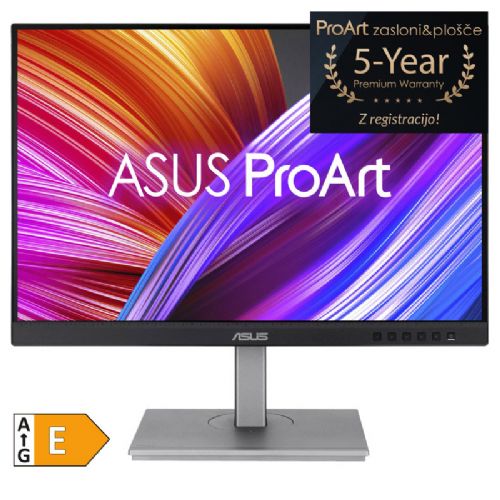

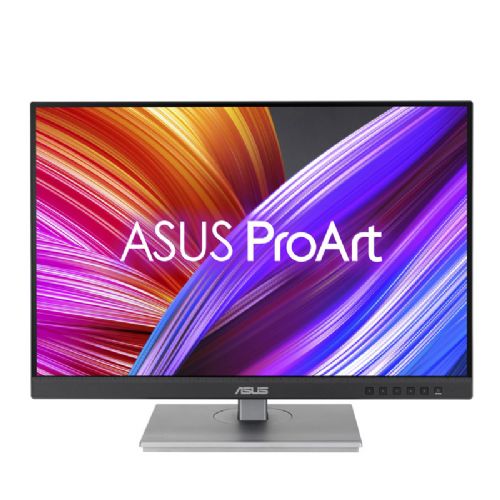


The monitor is designed for business users, creatives, and multitaskers. It is especially useful in a home or office setup.
ASUS ProArt PA248CNV 61.21cm (24.1") WUXGA IPS LED LCD DP/HDMI/USB-C speakers monitor
NOT REPAIR BUT REPLACEMENT FOR A NEW ONE!
If your ASUS monitor breaks during the regular warranty period, there is no repair, but ASUS will replace the monitor with a new one!
ProArt 5 year Premium warranty!
By registering your eligible ProArt monitor or motherboard, you can extend the basic three-year warranty to 5 years!*
Registration must be completed within the first three months from the date of purchase and during the duration of the activity. Creation of an ASUS user account is required.
Please register via the following link:
https://www.asus.com/ch-en/events/infom/activity_proart_5_years/
*Terms and conditions apply! Activity duration: 16.9.2021 ~ 30.12.2030
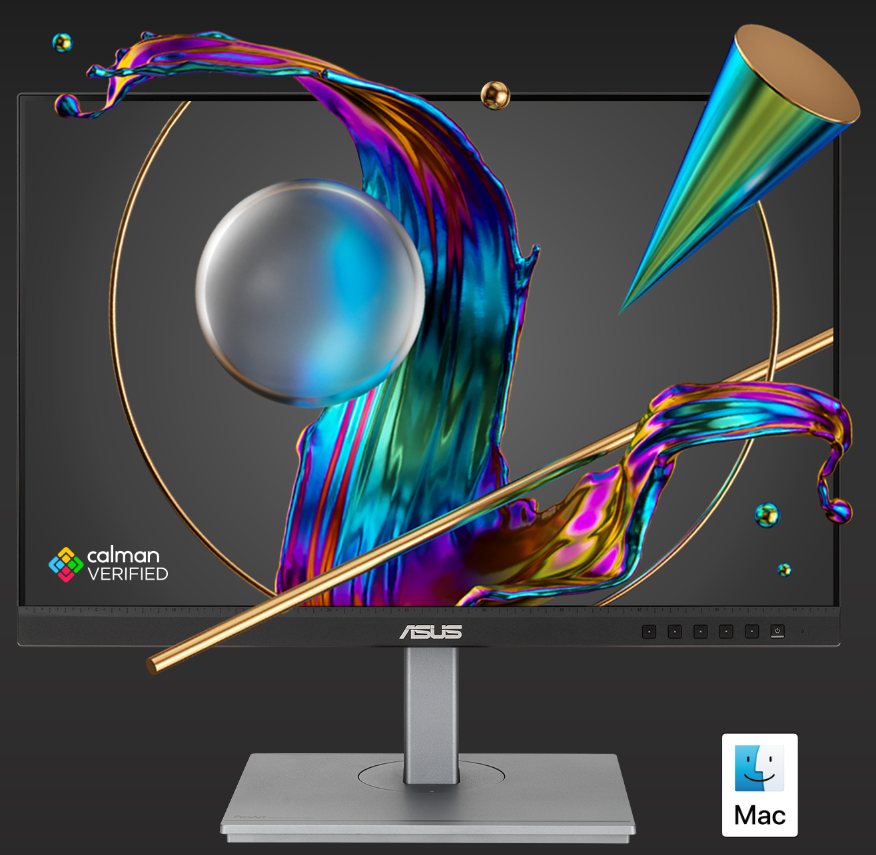
Unparalleled color. Unlimited creativity.
The ProArt display is Calman Certified and displays creative artwork with accurate colors.
ProArt Display PA248CNV is a 24.1-inch monitor designed to meet the needs of creative professionals, from photo and video editing to graphic design. The ProArt PA248CNV is factory calibrated and verified (Calman) to deliver superior color accuracy (?E < 2). It also delivers industry-standard 100% sRGB / Rec. 709 color space coverage. The built-in USB-C port supports data transfer, video signal, and supports 90W power delivery over a single cable, and comes with RJ45, providing a convenient and stable networking solution and keeping your desk tidy. The PA248CNV makes it quick, easy, and precise to achieve the exact look you want.
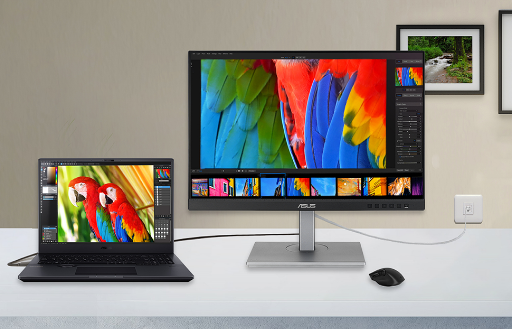
The ASUS ProArt PA248CNV monitor, with its balanced 24.1" diagonal and WUXGA resolution, works well in office environments, home work and study, where clarity and eye comfort are key. The IPS panel offers pleasant viewing angles, and with HDMI, DisplayPort and USB-C interfaces, it is suitable as a main or additional display in a variety of layouts, even in combinations with multiple monitors. The built-in speakers are useful for basic multimedia needs, while the high color accuracy is not intended for demanding graphics users.
Recommendation source: Enaa guides and team experiences.
This monitor is typically chosen by users who need a reliable display for everyday work with documents, spreadsheets or learning, as well as home users for web browsing and occasional multimedia. Its many ports make it useful as an accessory to a laptop or as part of a dual-monitor setup, making a significant impact on the clarity and organization of work. If you're considering a modern workspace or dual monitors, our dual monitor setup guide can help you decide.
Many users also appreciate the reliability and extensive range of Asus products, as they allow for easy integration into an existing computing environment and offer good connectivity options.
When buying a monitor on Enaa, you have easy access to expert guides that help you choose the right product for your needs, while you can easily compare similar models across a wide range of displays from different price ranges.
Yes, thanks to the IPS panel and matte screen, this model is suitable for working with documents for hours, as the viewing angles are wide and the image is pleasant to the eyes.
The monitor allows connection via HDMI, DisplayPort, or USB-C, which is especially convenient if you want to use it with newer laptops or as part of a multi-monitor setup.
This model is not intended for professional color accuracy, but it is more than adequate for standard office and home use. To choose the right monitor for your graphics needs, we recommend consulting our monitor size guide .
Thanks to its USB-C connection and 24.1" diagonal, it is useful as an extension of the work surface next to a laptop, where it significantly improves visibility while maintaining optimal image sharpness at shorter distances.
Before connecting, it is recommended to check if your laptop supports video output via USB-C (DisplayPort Alt Mode or Thunderbolt), as not all devices can be used in this way.
Description updated: April 2026


