Your shopping cart
😊 Product added to cart successfully
Product removed to cart successfully

Couldn't load pickup availability
Izdelek bomo predvidoma poslali čez: 0 dni
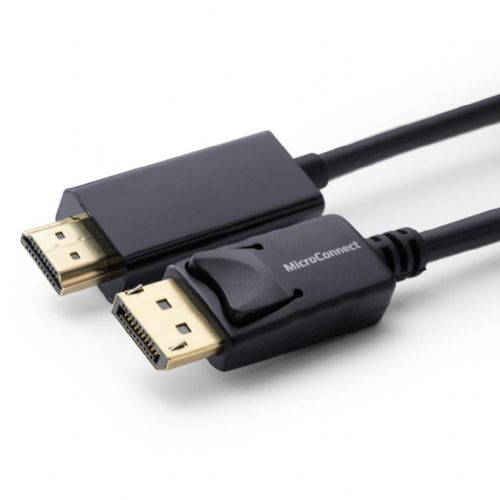
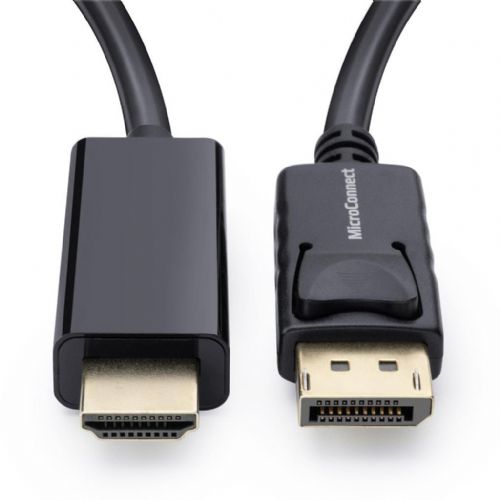
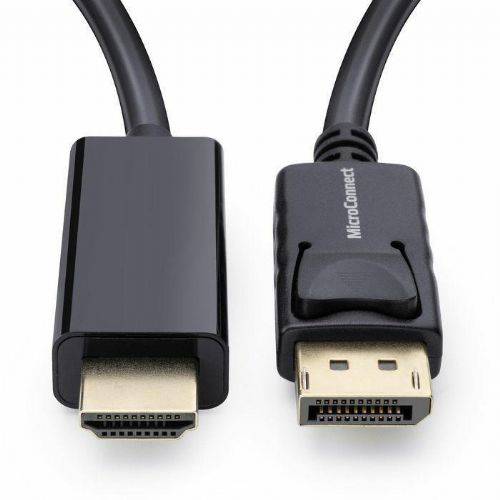
MicroConnect DisplayPort 1.2 - HDMI 1m cable is suitable for users who need a reliable connection between devices with different outputs, such as a computer with DisplayPort and a monitor or TV with HDMI. Such a cable is useful in offices, home environments or for gaming setups, where the length of 1 meter is often quite adequate for connecting devices over short distances without annoying excess cable. The cable allows the transmission of image and sound, but is not suitable for situations where a longer length or more demanding professional video solutions would be required. It is recommended to check the suitability of the connectors on both devices before purchasing.
Recommendation source: Enaa guides and team experiences.
This cable is often used by business users in offices, where they need to quickly and easily connect a laptop to an external monitor or projector, as well as home users and gamers who want to easily connect their computer to a TV or gaming display with an HDMI input. Due to its length of 1 meter, it will be most suitable in rooms where the devices are close enough, e.g. on a desk, which prevents tangling or excessive cable residue.
Many users choose MicroConnect Kabli products because of their proven reliability across various cable types and easy integration with various devices in the office and home environment.
At Enaa, customers have access to professionally sorted categories and advanced filtering, making it easier to choose the right cable for specific needs. Confidence in the quality of the offer is based on the team's experience and clear advice for connecting various devices.
Yes, the cable allows the transmission of image and audio on devices that support it, although it is always recommended to check that both devices allow the transmission of audio via the DisplayPort or HDMI connector.
The cable is suitable for connecting a computer with DisplayPort to a gaming monitor with HDMI, but it is important to check that it supports the desired resolution and refresh rate based on the requirements of your game or monitor.
Yes, the cable is designed for exactly that use—the laptop connects to the HDMI input of your TV or projector via the DisplayPort output.
The 1m length is best for short connections, such as when the devices are on the same desk or in close proximity. If the devices are far apart, you will need a longer cable or another solution.
Most conversion cables only work in one direction - this model is designed to connect from DisplayPort (output) to HDMI (input), not vice versa.
Description updated: June 2026


