Your shopping cart
😊 Product added to cart successfully
Product removed to cart successfully

Couldn't load pickup availability
Izdelek bomo predvidoma poslali čez: 0 dni
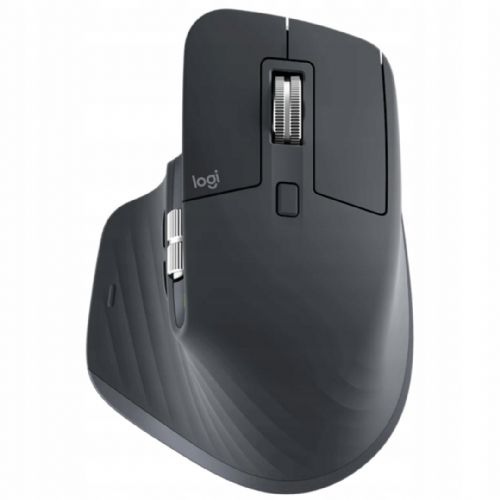
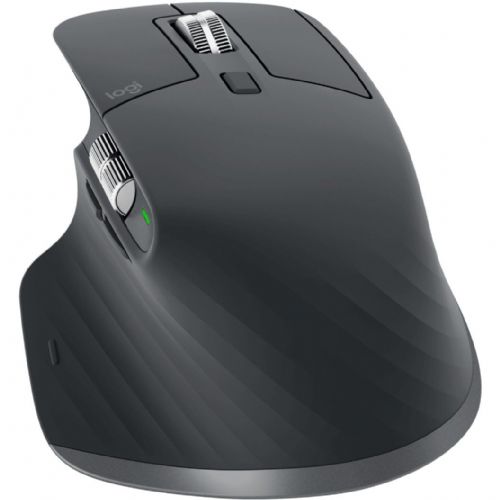
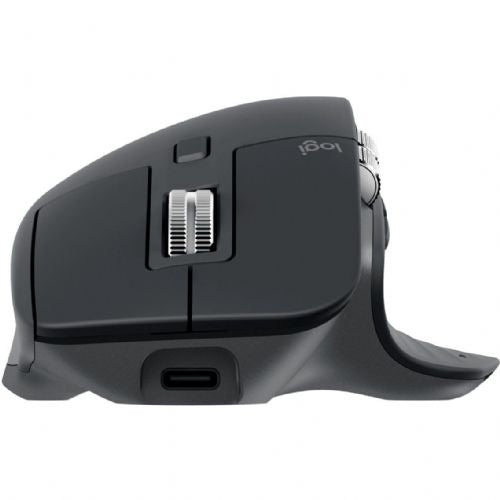
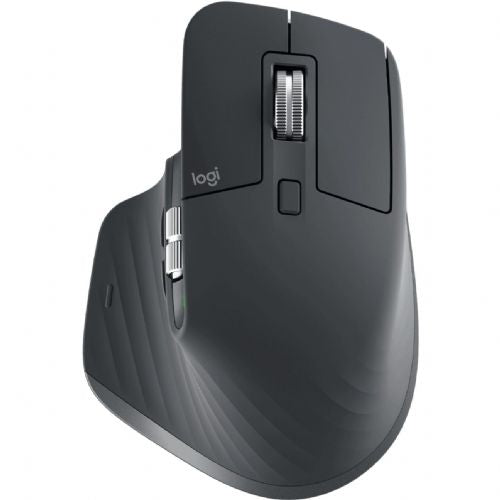
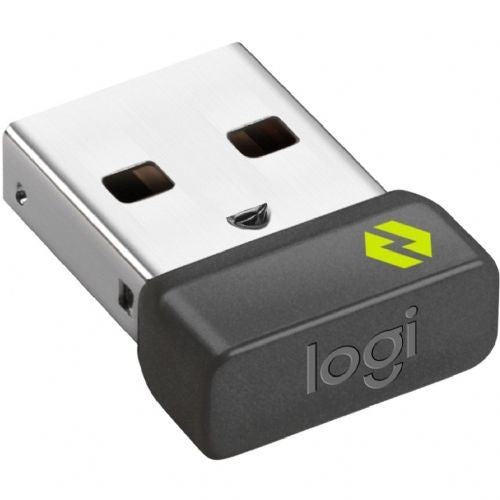
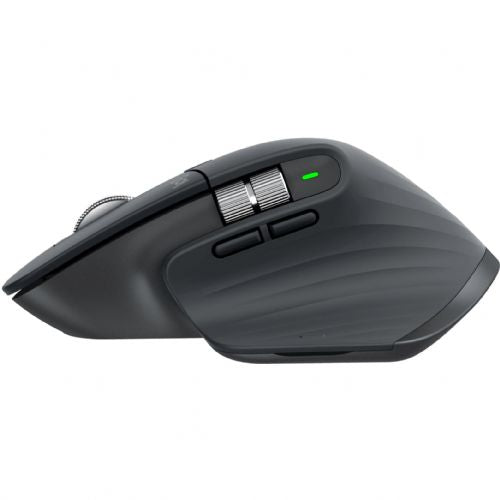
Logitech MX Master 3S Business is a mouse that is especially suitable for business users and anyone who spends many hours at the computer. Its ergonomic design and high resolution of 8000 dpi enable precise control, while wireless connectivity makes it easier to work on various devices without unnecessary cables. The mouse is less suitable for those who expect an exclusively wired connection or compact portability, as it is primarily designed for comfort and versatile use. It is important to emphasize that the combination of the MagSpeed wheel and several programmable buttons makes everyday work easier and increases efficiency in more demanding tasks.
Recommendation source: Enaa guides and team experiences.
The MX Master 3S Business mouse is typically chosen by users who want a reliable and comfortable device for professional or creative work, as well as more demanding home users. It performs best in an office environment, when doing digital design or managing multiple windows and documents at the same time. Thanks to its ergonomic design and combination of advanced features, wrist fatigue is often felt less during prolonged use.
When choosing, users appreciate the proven quality of the Logitech brand, which ensures reliable performance and excellent support in an expanded ecosystem of computing accessories.
When shopping at Enaa, you can count on expert advice that is specifically tailored to the needs of business and advanced users. Quickly find a wide range of mouse accessories and easily compare models based on your priorities. Our team ensures that information on compatibility and usability is always up-to-date and relevant to your use.
The ergonomic design of the mouse is optimized primarily for right-handed people, so using it with your left hand is not entirely comfortable.
The MagSpeed wheel allows for extremely fast and quiet scrolling through long documents or spreadsheets, which is useful for intensive work.
Yes, the mouse supports quick switching between multiple devices via Bluetooth, making it easy to work with different computers.
Maintenance is simple - regular cleaning of the mouse pad and surface and occasional checking of the rechargeable battery are recommended.
The mouse offers high DPI and good responsiveness, so it is suitable for occasional gaming, but due to its focus on ergonomics, it is not the best suited for very fast or competitive gaming.
Description updated: April 2026


