Your shopping cart
😊 Product added to cart successfully
Product removed to cart successfully

Couldn't load pickup availability
Izdelek bomo predvidoma poslali čez: 0 dni
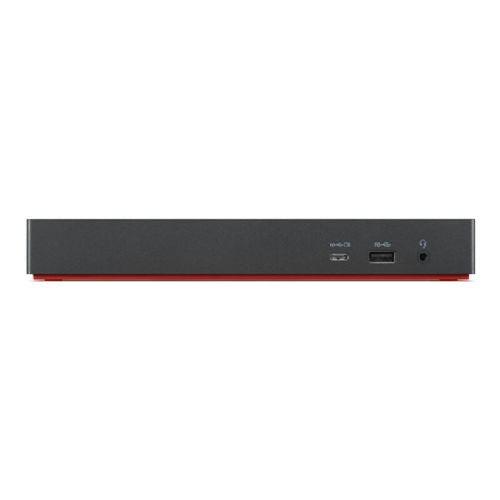

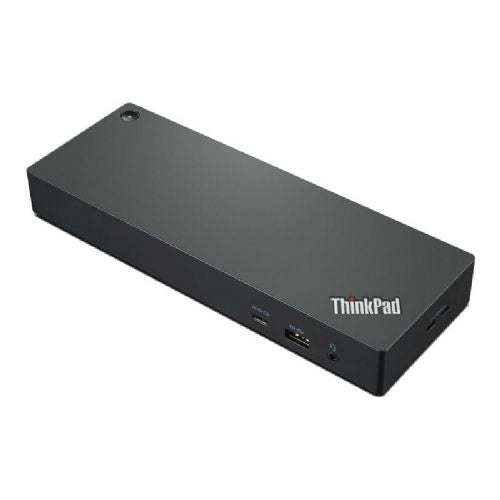
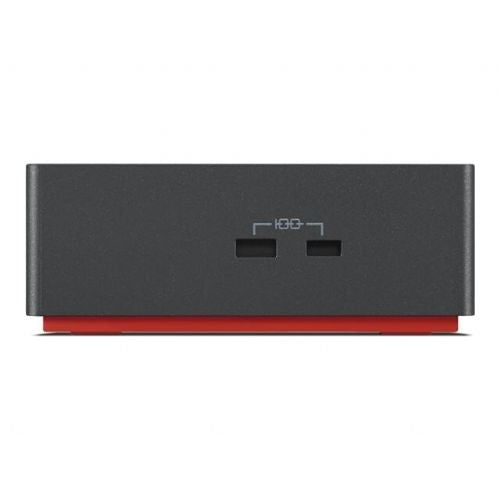
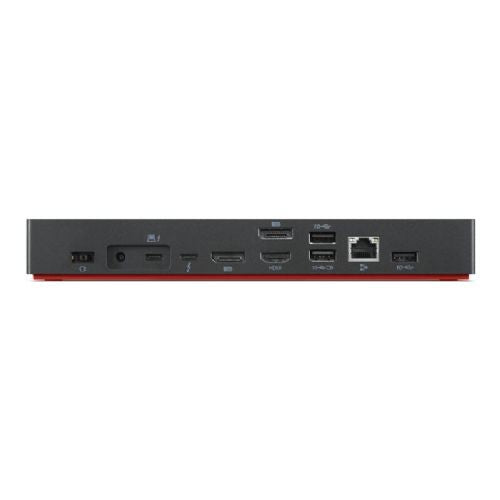

The ThinkPad Thunderbolt 4 Workstation Dock provides video, data, and power connectivity. The dock offers support for 8K displays or multiple 4K displays via HDMI or DisplayPort, up to 230W of workstation power, and blazing-fast 40Gbps data transfer.
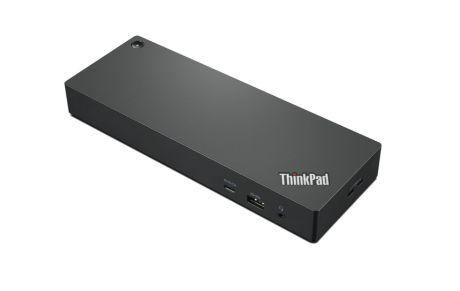
Specifications
| connections | 2x DisplayPort output, 1x HDMI output, 1x headphone/microphone combo port, 1x RJ-45, 2x Thunderbolt 4, 4x USB-A 3.2 Gen 1 (5 Gbit/s), 1x USB-C 3.2 Gen 1 (5 Gbit/s) ) | ||
| Power supply | Network operation | ||
| Further information | 1 x NanoSaver lock slot 1 x MicroSaver lock slot | ||
| Accessories | Available | 300W power adapter, 1 x power cable, standard Thunderbolt cable | |
| Dimensions | Width: 220 mm x Height: 30 mm x Depth/Length: 80 mm | ||
The Lenovo ThinkPad Thunderbolt 4 Workstation Dock 40B00300EU is a suitable choice for business users and power users who need high bandwidth connections, multiple monitors, and easy control of their workstation with a single cable. With Thunderbolt 4 support and multiple video outputs, it will also suit demanding scenarios such as graphics work, advanced presentations, or multi-display gaming, if your laptop supports this standard.
For basic or mobile use, where you only need simple expansion with individual ports, this station may be a bit more demanding and less portable, so it's important to check your laptop's compatibility with the Thunderbolt 4 standard and assess your actual needs for the number of ports and power supply.
Recommendation source: Enaa guides and team experiences.
The docking station is most often used by professionals who want to create an efficient work environment with multiple peripherals from their laptop - for example in offices, home workspaces or for demanding tasks in technical, IT and creative fields. Due to its performance and wide connection options, it is also suitable for those who need to easily switch between work and leisure, for example for gaming or advanced media use.
Users also often appreciate the compatibility and reliability of Lenovo products, allowing for seamless integration into an existing business or home environment.
At Enaa, you can count on up-to-date technical support, clear presentation of technical specifications, and years of experience with products for business work and advanced users. Our expertly-oriented information helps you make a safe and thoughtful choice for your workstation expansion solution.
The docking station supports the Thunderbolt 4 standard, so it may also be compatible with other laptops with this connector, but we recommend checking the manufacturer's instructions for full compatibility with a specific model.
The station allows simultaneous connection of multiple monitors, including support for high resolution (even up to 8K), but the maximum number of displays depends on the characteristics of your laptop and the outputs used.
Yes, connecting via Thunderbolt 4 allows you to power compatible laptops, with a total power output of 230W, which is sufficient for most modern business and performance models.
The most reliable operation is expected on Windows systems and later versions, but we recommend that you check your laptop's documentation for exact support of all dock features.
For advanced scenarios, it is crucial that your laptop has a proper Thunderbolt port, sufficient graphics performance, and that the dock is capable of high-speed transfers and simultaneous connection of multiple monitors and external devices.
Description updated: May 2026


