Your shopping cart
😊 Product added to cart successfully
Product removed to cart successfully

Couldn't load pickup availability
Izdelek bomo predvidoma poslali čez: 1 dni
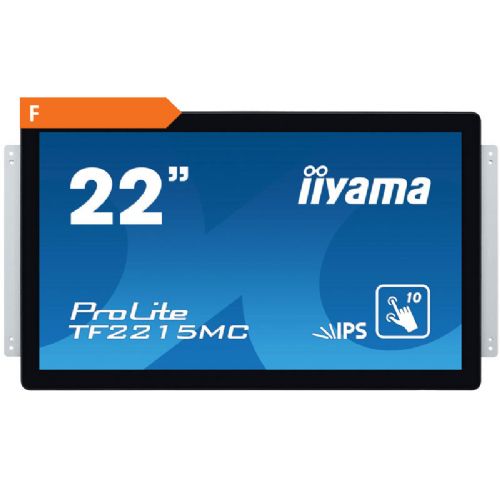
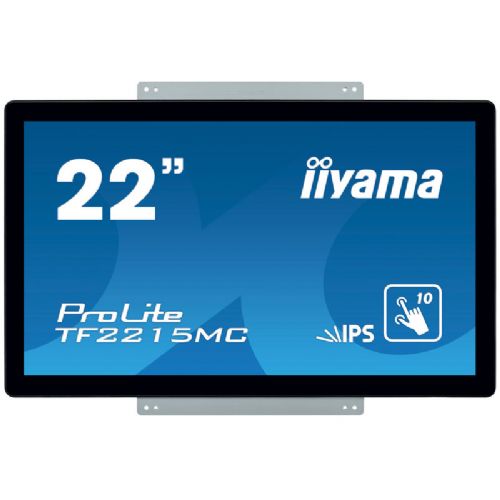
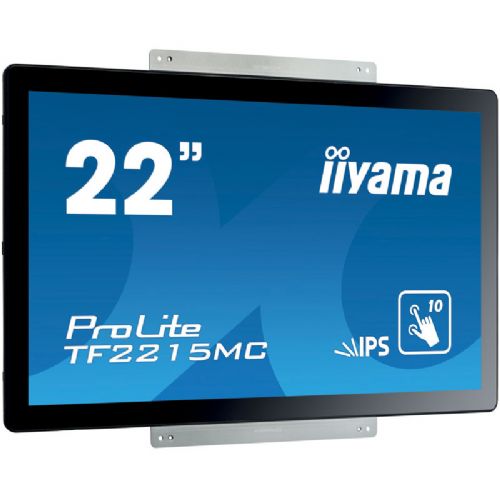
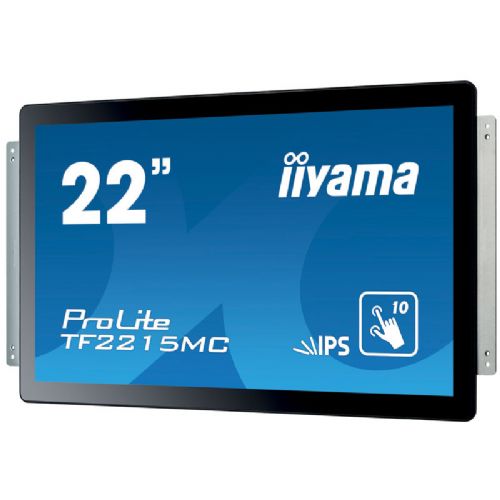
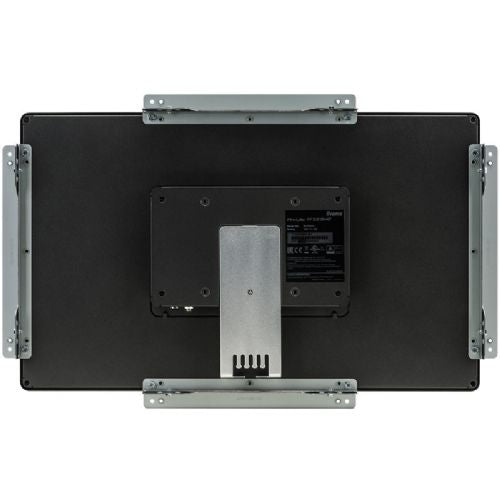
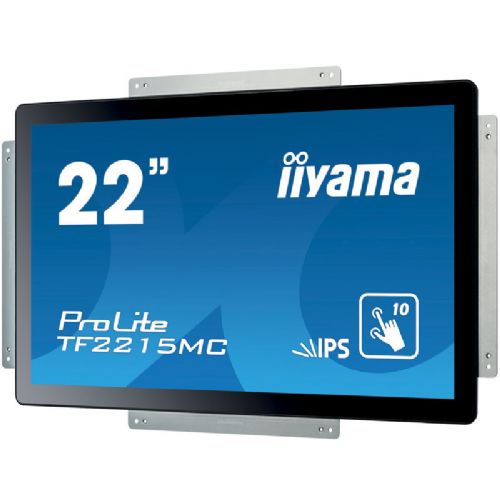
The IIYAMA ProLite TF2215MC-B2 open frame LED information touch display is 21.5'' and uses PCAP touch technology. It is built into an attractive frame with edge-to-edge glass. Thanks to the glass coating covering the screen and the robust frame, it has high durability and scratch resistance, making it perfect for kiosks and frequent daily use. It supports seamless integration into kiosks and has an IP65 rating for dust and water resistance. The orientation of the display - portrait, landscape or upward facing - provides a variety of mounting options in almost any installation. For easier integration, the TF2215MC-B2 is equipped with external mounting brackets, making it an ideal solution for kiosks, industrial environments, control rooms and interactive multimedia.
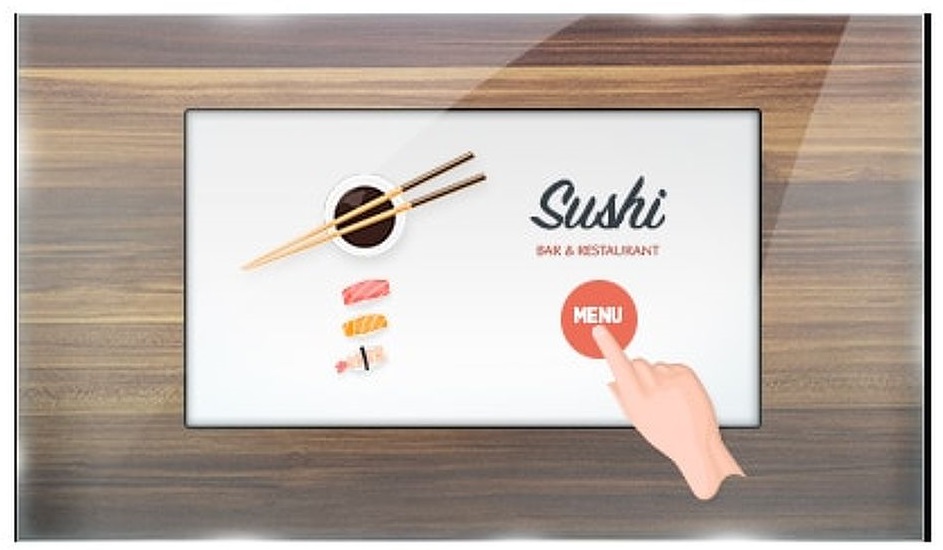
The touch screen works through glass, turning glass surfaces into interactive touch screens. Use it in retail displays, real estate offices, POS stores, or restaurants.
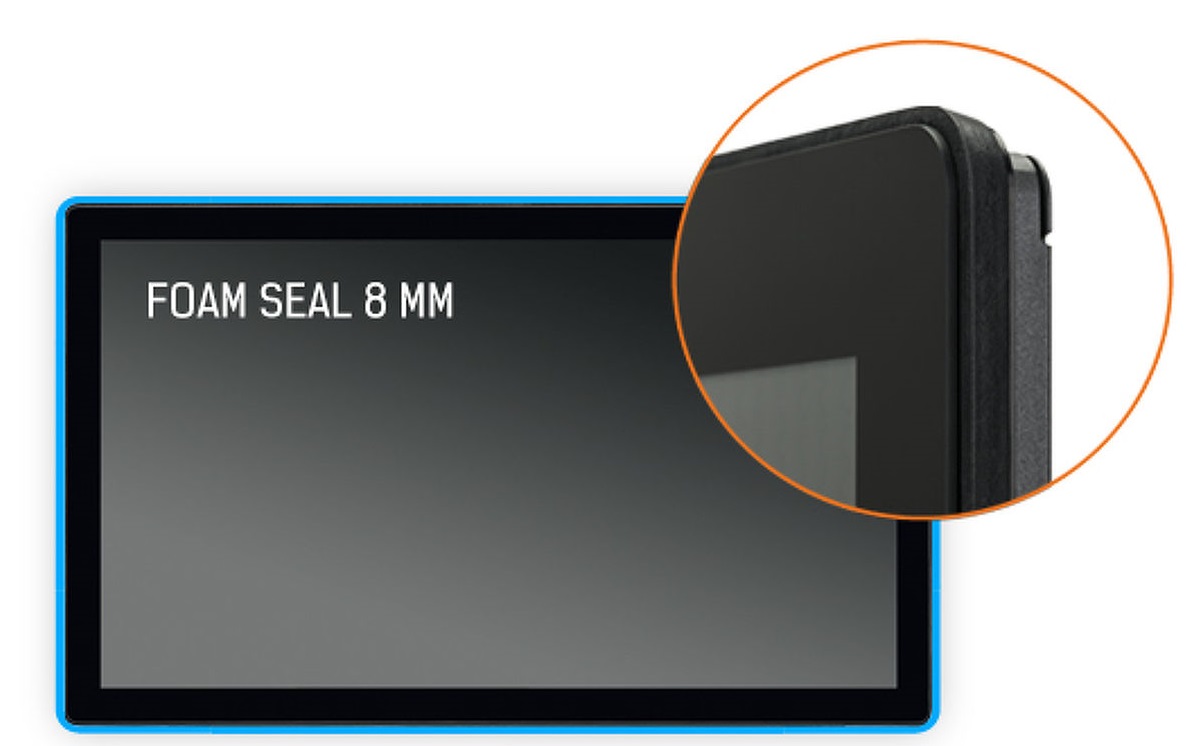
A foam seal (8 mm) around the monitor ensures seamless integration and optimal dust protection.
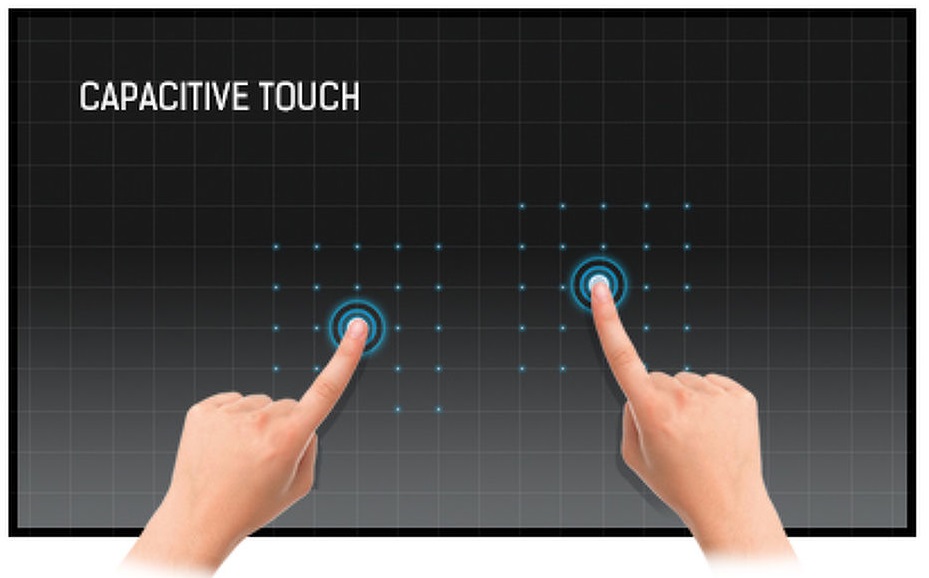
TOUCH TECHNOLOGY - CAPACITIVE
This technology uses a sensor grid of microfine wires embedded in the glass that covers the screen. Touch is detected because the electrical properties of the sensor grids change when a human finger is placed on the glass. Thanks to the glass overlay, this technology is very durable, and the touch function remains intact even if the glass is scratched. It offers a perfect image and works with a human finger (even with latex gloves) and a stylus.
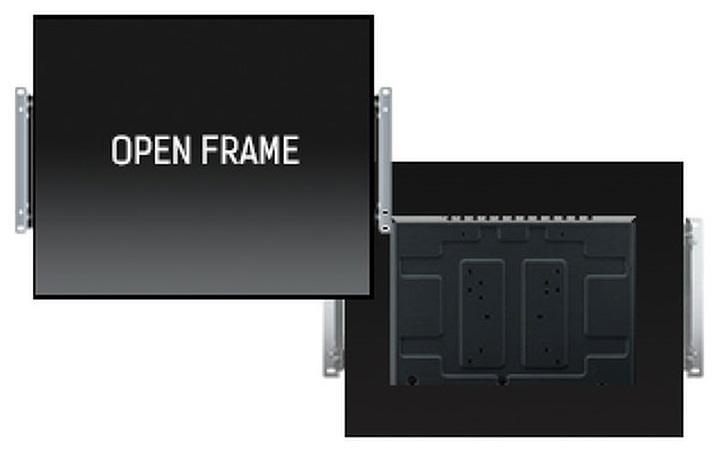
This monitor comes with external brackets, ensuring easy installation and is an ideal solution for kiosks in retail environments.
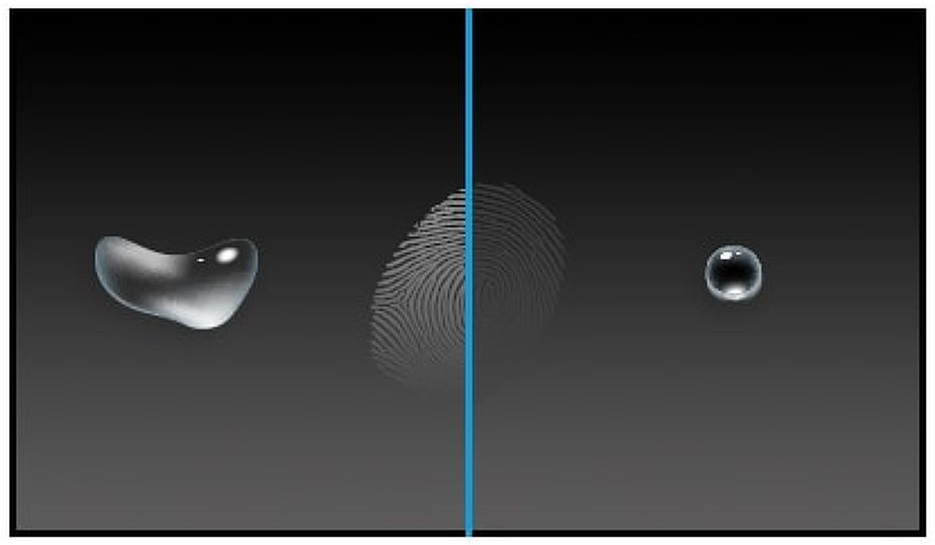
A special Nano coating provides a smoother touch and less resistance when swiping. It makes the screen less static and susceptible to dirt, dust, fingerprints, and improves the clarity of content displayed on the screen.
The IIYAMA ProLite TF2215MC-B2 is an open frame touch monitor that best demonstrates its advantages in information and interactive environments, such as public points, kiosks, digital boards or presentation screens in business premises. Due to its 21.5-inch diagonal and IPS matrix, it offers stable display quality with good viewing angles, which is crucial where the monitor is used by several different users or the screen is viewed from different directions. It is mainly adapted for business use, integration into systems and multi-user locations, but is less suitable for demanding office work with a lot of text or graphic design, where ergonomic options or higher resolution may be more important factors. Touch enables easy and intuitive interaction, but it may have limitations in everyday work with long text documents and tables compared to larger or standard monitors.
Recommendation source: Enaa guides and team experiences.
Such a monitor is often chosen by companies and organizations that need a fast and clear presentation of information, such as digital information boards, order taking systems or interactive guidance points. Common users are shops, public institutions, hotels, exhibition halls and others, where robustness and reliable touch response are important. Due to the open-frame design, it can be adapted to specific installation solutions or industrial needs. When choosing a monitor for such a purpose , a guide on choosing a monitor size can also be useful, which helps to understand when a 21.5-inch diagonal is optimal for a particular application.
Users who value stability and technological tradition often choose Iiyama devices, as they are distinguished by their reliability and ecosystem adaptability for digital environments.
At Enaa, the range of monitors is carefully tailored to even the most demanding tenders and projects, allowing for quick comparisons by key filters, such as field of application or panel type. Our team offers experienced advice, especially for specific business needs, with an emphasis on technical requirements and long-term use.
Open frame touch monitors, such as this model, are best suited for integration into kiosks, information points, interactive whiteboards, and presentation solutions where the screen needs to be built into existing equipment or furniture.
The monitor is primarily intended for installation in a case or kiosk; for classic use on a desk, it is not usually equipped with an ergonomic stand, so additional adjustment is required in such cases.
IPS panels provide good viewing angles and consistent color, which is essential if the monitor is used by multiple people or is often viewed from the side, such as in public environments.
With Full HD resolution, it is suitable for most information applications and presentations, but for advanced graphic design, a higher resolution or larger screen can offer even greater precision.
Before installation, it is essential to check the dimensions of the opening, connections, power supply and installation method. For general guidance, see our monitor selection guide .
Description updated: April 2026


