Your shopping cart
😊 Product added to cart successfully
Product removed to cart successfully

Couldn't load pickup availability
Izdelek bomo predvidoma poslali čez: 1 dni


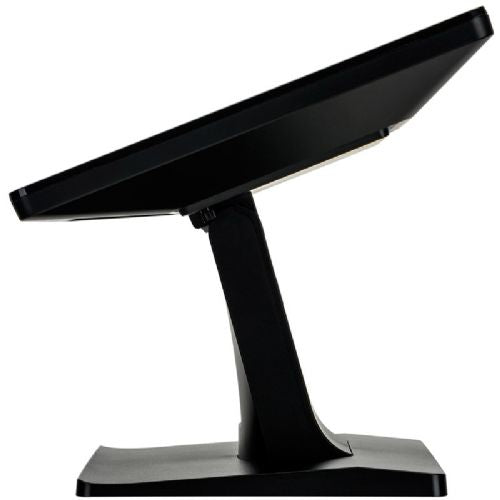


The 15-inch touchscreen is suitable for businesses and organizations that need a reliable interactive solution in environments with limited space.
IIYAMA ProLite T1521MSC-B2 38cm (15") TN LED LCD XGA P-CAP speakers touch information / interactive monitor
The 15-inch ProLite T1521MSC-B2 touchscreen is based on projected capacitive technology, which offers optimal, flawless and accurate touch response. The glass coating ensures high durability, scratch resistance and perfect image. A solid and stable base supports the touchscreen with an adjustable stand that offers a tilt angle of up to 70 degrees. The menu buttons are located on the back of the screen and can be locked. It also includes a convenient feature to deactivate the touchscreen during cleaning. The ProLite T1521MSC-B2 is an incredibly powerful touchscreen solution, perfect for in-store retail purposes.
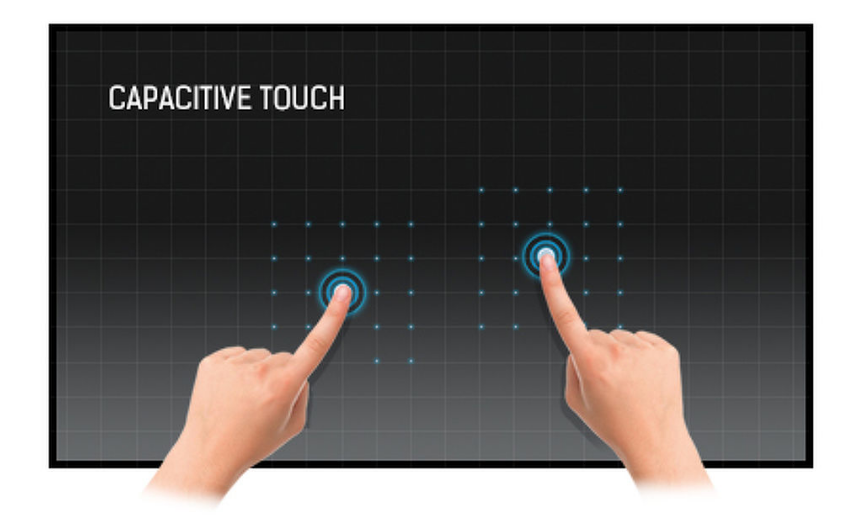
TOUCH TECHNOLOGY - CAPACITIVE
The technology uses a sensor network of microfine wires integrated into the glass that covers the display. Touch is detected because the electrical properties of the sensor network change when a human finger is placed on the glass. Thanks to the cover glass, this technology is very durable, and the touch function remains intact even if the glass is scratched. It offers full imaging performance and works with a human finger (even with latex gloves) and a stylus.
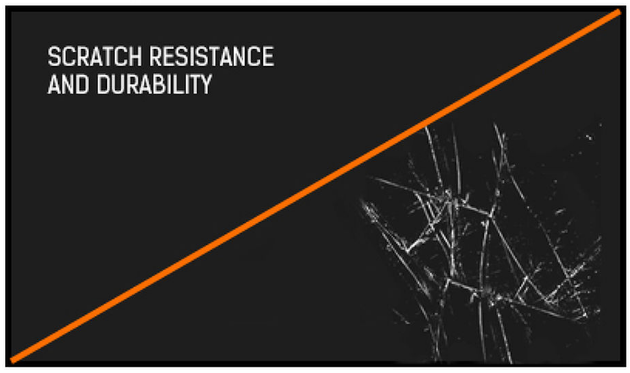
SCRATCH RESISTANCE
Scratch resistance is essential for touch solutions used in public places and schools. This is achieved by the glass coating that covers the screen. It ensures high durability of the touch function and, more importantly, the touch function remains intact even if the glass is scratched.

IP65
IP65 means that the monitor is protected against water splashing onto the housing from any direction.
The IIYAMA ProLite T1521MSC-B2 is designed as an information or interactive monitor, suitable for environments where reliable touch detection and a compact format are key. With a 15-inch diagonal and a TN panel, it works best in digital kiosks, public information points or cash registers, where simplicity and responsiveness prevail over advanced color accuracy. Due to the basic XGA resolution and limited viewing angles, this model is not ideal for creative design or more demanding multimedia, but it can meet the needs where the main purpose is interaction and robust everyday use.
Built-in speakers offer basic audio support, which can be an advantage in environments where there is no space for additional audio equipment.
Recommendation source: Enaa guides and team experiences.
This monitor is most often used by business users in sales areas, shops or reception areas, where ease of touch and dedicated use as an information or control point are important. In practice, it is perfectly suited for interactive applications, where the screen size does not take up too much space, while at the same time enabling fast and reliable user gestures.
Anyone looking for a similar monitor for a specific setup or wanting to better understand what to consider when choosing a screen size can find additional information in our monitor size guide . Users also often appreciate the recognized quality of the Iiyama brand, which is considered a reliable solution in demanding business environments.
At Enaa, you get a wide range of monitors, where you can compare products with expertly prepared guides and clear filters by intended use. We enable customers to make an informed choice based on specific scenarios, supported by the experience of the IT team.
It is most often found in retail environments, info points, reception areas, and as part of POS or other public interactive systems, where touch, reliability, and compactness are important.
Due to the TN panel and basic XGA resolution, this model is not designed for professional graphics work or accurate color reproduction, but rather for basic displays and simple applications.
The monitor includes built-in speakers for basic audio, which is sufficient for most information solutions without additional audio equipment.
The 15-inch format allows for easy integration into smaller spaces or kiosk enclosures and allows for quick installation in places where there is not enough space for a larger monitor.
When choosing the right screen size, it's a good idea to consider how much space you have available and how far away you'll be from your eyes; for more advice, check out our guide to choosing a monitor size .
Description updated: April 2026


