Your shopping cart
😊 Product added to cart successfully
Product removed to cart successfully

Couldn't load pickup availability
Izdelek bomo predvidoma poslali čez: 1 dni
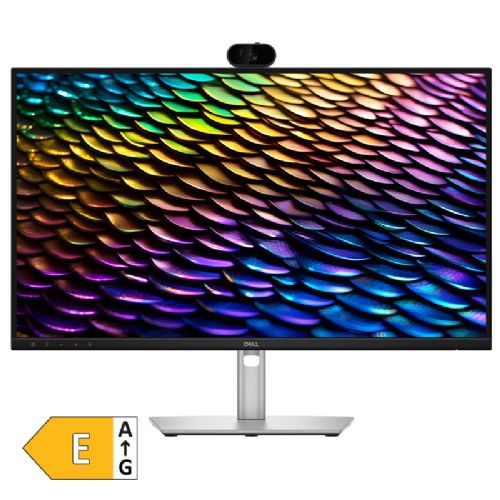
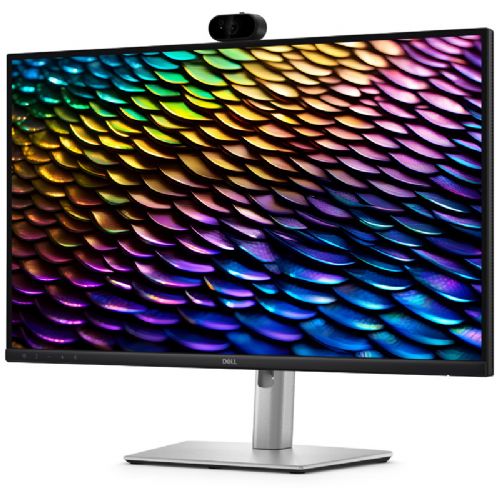
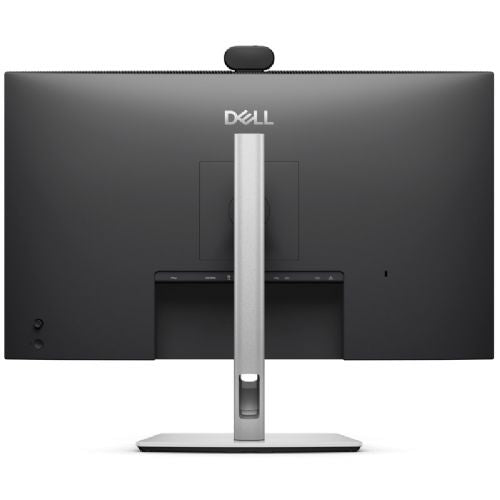
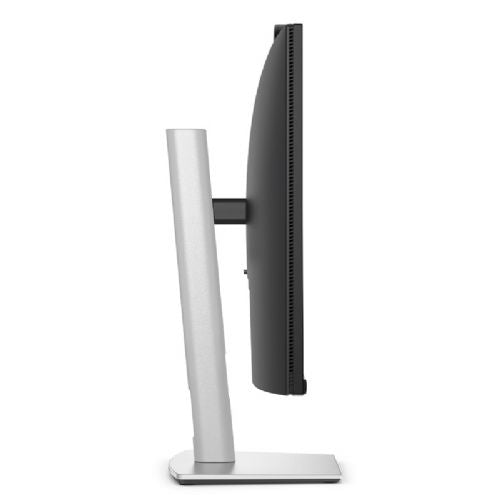
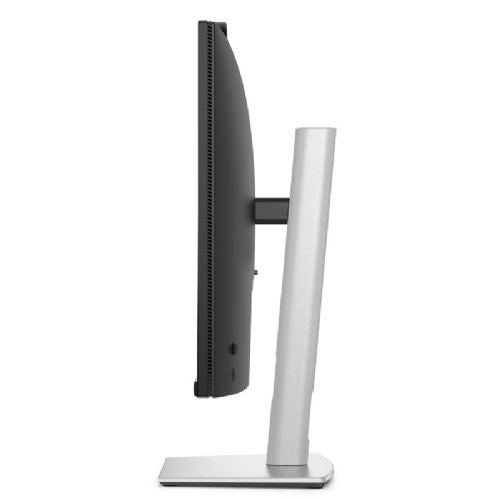
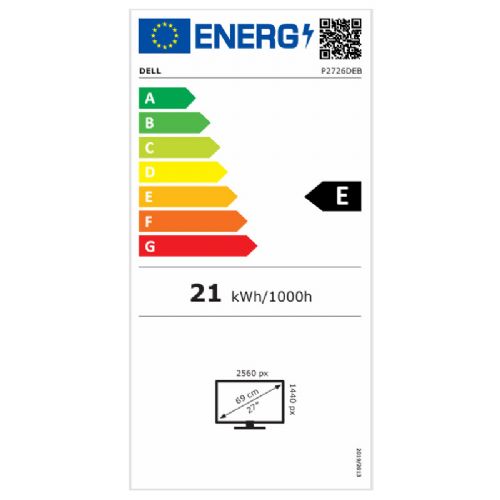
The Dell P2726DEB 27-inch monitor is designed for business use, working from home, and demanding multitasking. It is best suited for users looking for a clear image, easy connectivity, and a quality video calling experience.
DELL Pro P P2726DEB 68.58cm (27") QHD IPS DP/HDMI/USB-C camera speakers conference monitor
Built for modern collaboration
The Dell P2726DEB is designed for work environments where clear communication is essential. The built-in 5MP camera with Sony Starvis sensor, AI auto-framing and HDR processing ensures that the image is always balanced, even in poor lighting conditions. The monitor is certified for Microsoft Teams and Zoom, meaning reliable performance in all virtual meetings.
Noise-cancelling sound
AI noise cancellation effectively filters out distracting ambient sounds for clear, intelligible speech, while dual 5W downward-firing speakers deliver clear audio for presentations and conferences.
One cable for the entire workplace
The monitor features USB-C connectivity with up to 90W of power delivery , transferring video, data, and network over a single cable. Built-in RJ45 Ethernet provides a stable wired connection, while pop-out ports on the front make it easy to quickly connect accessories. Daisy-chaining of monitors is also supported for more efficient multitasking.
Comfort for long-term use
The IPS display with 99% sRGB color gamut , 100 Hz refresh rate and 1500:1 contrast ratio provides vivid colors and smooth images. Low blue light technology reduces blue light without affecting color accuracy. The stand allows full adjustment - tilt, swivel, pivot and height adjustment up to 150 mm .
Safe and simple
The monitor supports Windows Hello for quick login and features a mechanical camera shutter for complete privacy control. Dell Display and Peripheral Manager software allows for advanced display adjustments and multiple monitor management.
The Dell P2726DEB is a great choice for businesses, home offices, and professional environments where video conferencing is a part of everyday life. It is suitable for users who want a tidy desk, reliable connectivity, and quality picture and sound on every call.

This monitor is designed for demanding office work and video conferencing, while also offering enough flexibility for home use or connecting to a laptop via USB-C. It's best suited for users who need a sharp image and wide viewing angles, as well as an integrated camera and audio for video calls or remote collaboration. Before purchasing, it's important to consider your layout and connectivity in terms of available ports and power needs.
Source of editorial recommendations: ENAA guides and team experience.
🟢 Meets modern office needs: enough space for multitasking, integrated camera and microphones for video conferencing, and a stable image for working with documents.
🟢 Easy connection to a laptop via USB-C simplifies work setup and reduces the number of cables; built-in speakers and camera are very practical for video calls.
🟢 Suitable for students who need an overview of learning materials, online courses, and video collaboration.
🟡 Good enough picture for basic or casual gaming, but the classic refresh rate is not intended for competitive gamers or fast-paced action games.
🟢 Adaptable for browsing the web, watching videos, and communicating with family; USB-C and a built-in camera increase the convenience of use in a family environment.
The monitor allows connection via several different interfaces, and when switching between two computers on a daily basis, check whether it has a built-in KVM function, which is not included as standard.
The built-in 5MP camera is sufficient for most business and study video calls, but for production or particularly demanding lighting, we recommend an external solution.
Yes, the monitor offers power delivery via USB-C up to 90W, but your laptop must support power and image transfer via this interface.
Built-in speakers and AI noise cancellation serve basic needs, but for better sound quality, we recommend using separate headphones or external speakers.
The monitor offers basic ergonomic adjustments (tilt, height), for more demanding setups, check out the VESA mounting option.
Description updated: July 2026
If you are still deciding, the following content may also be helpful.
Best products
Products for various purposes
Monitors for working from home
Monitors for PS5 and Xbox Series X


