Your shopping cart
😊 Product added to cart successfully
Product removed to cart successfully

Couldn't load pickup availability
Izdelek bomo predvidoma poslali čez: 2 dni
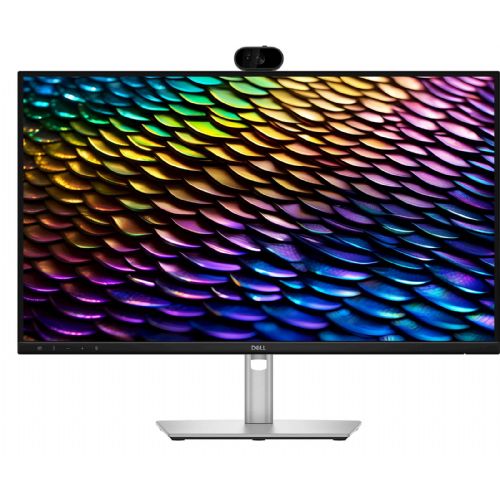
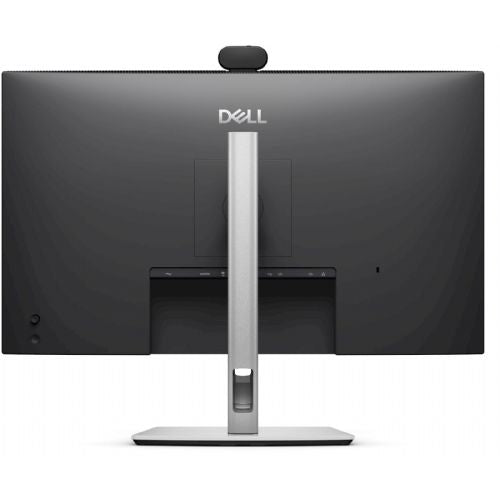

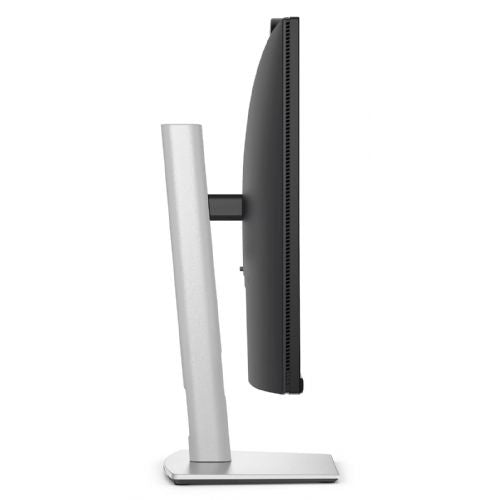

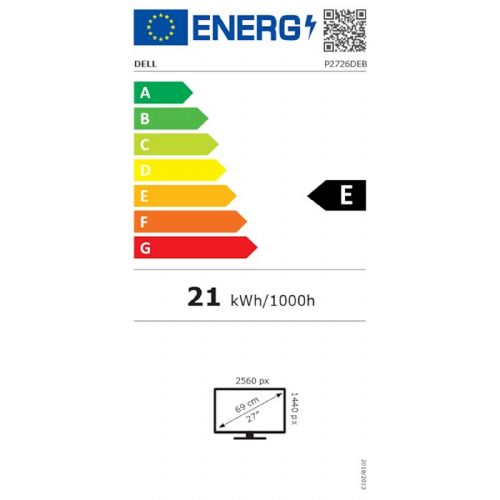
The Dell P2726DEB is a balanced 27-inch QHD monitor that, with a USB-C port (supporting 90W charging), offers a modern solution for users looking for greater productivity in the office, home environment or when working with multiple devices. Due to its ergonomically designed stand, eye protection technologies (ComfortView Plus) and quality image, it is particularly suitable for tasks where comfort, multitasking and long-term use without eye strain are important.
The model is specifically tailored for business and more demanding everyday users who need more screen space, efficient connectivity using a single cable and the ability to connect to the network via RJ-45. For intensive gaming, this model is not the optimal choice due to its refresh rate and responsiveness, but it is perfectly suitable for basic gaming opportunities. The availability of QHD resolution at this size allows for better readability and more details compared to lower resolutions on the same diagonal.
Although there are many alternatives available in the video conferencing monitor segment, this model stands out with a balance of features that are aligned with the needs of modern work environments and advanced home use.
Recommendation source: Enaa guides and team experiences.
The Dell P2726DEB monitor is most often chosen by professionals who want to easily switch between their laptop and other devices without additional cables, or those who frequently participate in video conferences. The USB-C port with power delivery allows for a tidy work environment, and the built-in blue light reduction technology makes it easier to work for longer periods of time in front of the screen. The RJ-45 connection is welcome for a stable wired network in business or at home.
Such monitors are especially suitable for office users, teachers, students and home users who value more work space and flexibility. If you want to learn more about choosing a monitor size and configuration to increase productivity, we recommend a short review of the guide on how to choose two monitors for better productivity . Users often trust the Dell brand for its stable quality, diverse offering and support for the business environment.
At Enaa you will find renowned brands such as Dell, professional technical descriptions and reliable help with selection - all tailored to users who expect a high-quality image and modern features for work from a monitor. On our site, the decision is easier, as you can easily compare different models and use practical guides for choosing a monitor.
QHD resolution on a 27-inch monitor means better image sharpness and more space to display content on the screen, which is especially useful when working with multiple windows or spreadsheets.
To take full advantage of the USB-C connection, your laptop must support both video and power delivery (DisplayPort Alt Mode or Thunderbolt). Please check your laptop's manual for compatibility before purchasing.
ComfortView Plus is a technology that reduces blue light emission without color distortion, thereby protecting the eyes in the long term, which is especially beneficial for users who spend a lot of time in front of the screen.
Yes, the connections, picture quality, and adjustable stand make the Dell P2726DEB suitable for dual or multi-monitor setups; you can also find more tips in our dual monitor guide .
Yes, the included RJ-45 connector allows for a direct wired connection to the network, which is convenient if you need a stable and fast internet connection without interfaces.
Description updated: May 2026


