Your shopping cart
😊 Product added to cart successfully
Product removed to cart successfully

Couldn't load pickup availability
Izdelek bomo predvidoma poslali čez: 5 dni
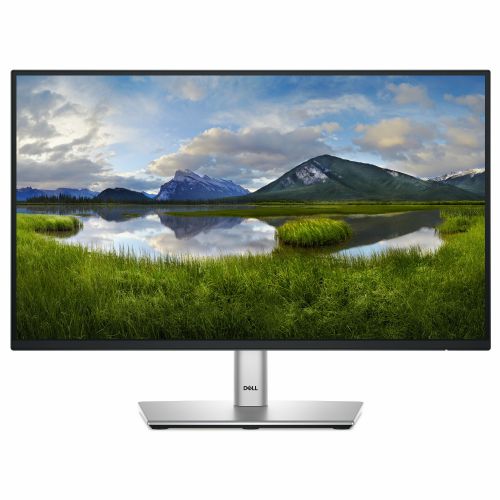
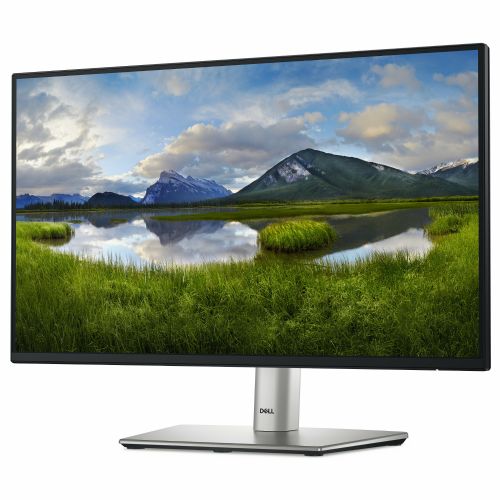
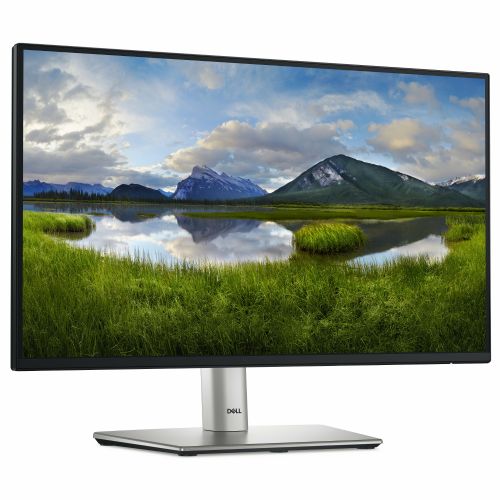
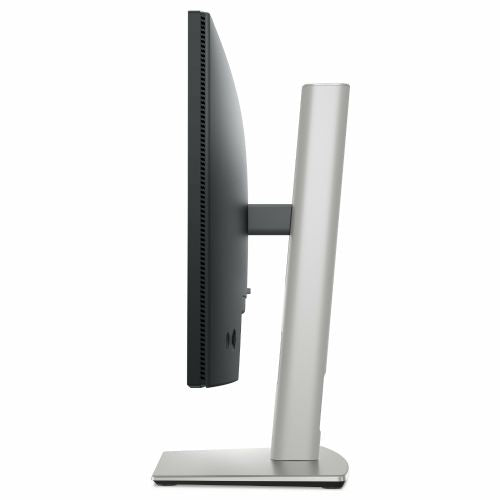


The Dell P2225H monitor, 54.6 cm (21.5"), 1920 x 1080 (FHD), IPS, 250 cd/m2, 16:9, 5 ms, 100 Hz, HDMI, DP, VGA, USB-C, black-silver represents an exceptionally balanced solution for demanding business users, modern gamers, and everyday consumers who value high-quality images and high functionality at work or at home. With its combination of advanced technologies and ergonomic design, it provides an optimal user experience in all use cases.
Evaluation of key product features| Property | Value | Emoji rating |
|---|---|---|
| Field of application | Business monitor | 🟢 9.0 |
| Size | 54.6 cm (21.5") | 🟡 7.0 |
| Resolution | 1920 x 1080 (FHD) | 🟢 8.0 |
| Panel type | IPS | 🟢 9.5 |
| HDMI connector | Yes | 🟢 9.0 |
| USB-C connector | No | |
| Built-in docking station | No | |
| Aspect ratio | 16:9 | 🟢 9.0 |
| Touch screen | No | |
| Curved screen | No | |
| Response time (ms) | 5 | 🟢 8.5 |
| Brightness (cd/m2) | 250 | 🟡 6.5 |
This model is designed for a variety of uses where reliability and comfort are essential. Business users will appreciate its ergonomic design that allows for height, tilt, or swivel adjustments. Gamers and consumers will enjoy the vivid colors and wide viewing angles of the IPS panel, which ensures consistent image quality regardless of viewing position.
The technical design is characterized by Full HD (1920x1080) resolution, enhanced by a 100 Hz refresh rate, which allows for smooth display of moving images - this is especially noticeable in fast animations, video content and dynamic games. The 5 ms response time reduces image blurring, which contributes to a clear display even of fast-moving objects. The brightness of 250 cd/m² allows for comfortable use in typical office conditions.
The monitor boasts a wide range of connections: HDMI, DisplayPort and VGA provide flexibility in connecting to a variety of devices. Although the USB-C port and docking station are not included, the robust basic connectivity makes the device versatile for use in business and home environments. The high-quality image display in a natural 16:9 ratio and the sophisticated design in a black and silver combination further emphasize the professionalism of the product.
It features a modern IPS panel that stands out for its reliability, realistic colors and display stability from almost any angle. This monitor offers a convincing visual experience suitable for longer work, entertainment and productive use. The right combination of speed, resolution and ergonomics meets the needs of advanced users, while being extremely user-friendly for everyday use.
The Dell P2225H is mainly aimed at everyday office and home use, where image stability, good readability and versatile connectivity are important. Its 21.5-inch diagonal and IPS panel with Full HD resolution meet the key requirements for clear work with texts, spreadsheets and common tools. The monitor is also suitable as an additional screen next to a laptop or for less demanding multitasking in a home environment. Due to its moderate size, it is slightly less suitable for hours of advanced creation or environments where a very spacious work surface is a priority. We can especially highlight the wide range of connectors and the matte surface of the screen, which makes it easier to use in different rooms.
Recommendation source: Enaa guides and team experiences.
The Dell P2225H monitor is most often chosen by business users who value eye comfort when sitting at a desk for a long time, a stable image and the flexibility of connecting to various devices – via HDMI, DisplayPort, VGA as well as modern USB-C solutions. Its natural place is on a work or home desk, where space is limited and work involves e-mail, spreadsheets and web applications. Due to the ease of connection, it is also a practical choice as a secondary display for expanding the work surface or using with multiple devices. If you are wondering how to choose a monitor for basic work or homework, you can check out the tips in our guide on choosing a cheap monitor .
Users also often trust the reliability of the Dell brand, which provides good support and a wide range of monitors for business and home requirements.
At Enaa, you can count on professional support in choosing a monitor, clear descriptions with an emphasis on real benefits for the user, and easy comparison of similar models in the Monitors category. This makes it easier to choose the model that suits your space, the way you work, and the connectivity with your equipment when making a purchase.
The P2225H is suitable for basic office work, studying, home use, video calls, and general multitasking where professional graphics or playing the most demanding games is not the priority.
Yes, due to the variety of connectors (HDMI, DisplayPort, USB-C, VGA), you can easily connect the monitor to older and modern laptops - before connecting via USB-C, check if your laptop supports video output on this connector.
It is suitable for parallel use as an additional display mainly due to its compact size, but when combining monitors, it is also worth considering the advice from our guide on setting up two monitors .
IPS technology delivers better viewing angles and more natural colors compared to TN panels, which means less color distortion when viewed from different directions and greater comfort in everyday use.
The monitor is suitable for casual gaming of less demanding games due to its 100 Hz refresh rate, but is not intended for competitive gaming, where extremely fast refresh rates and responsiveness are key.
Description updated: April 2026


