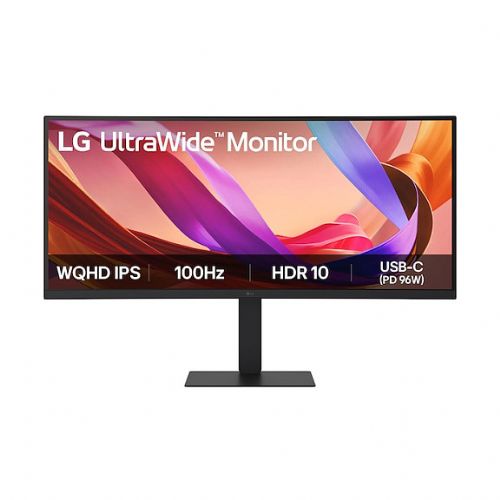
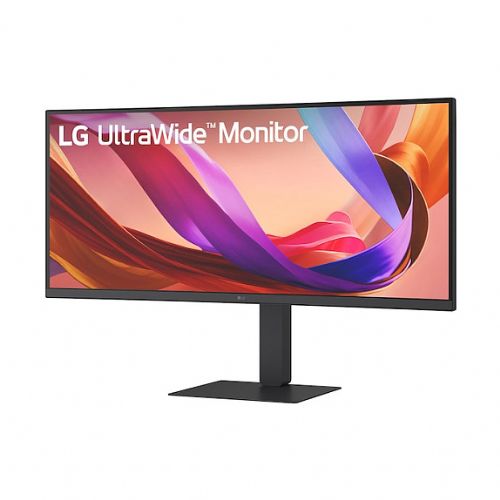
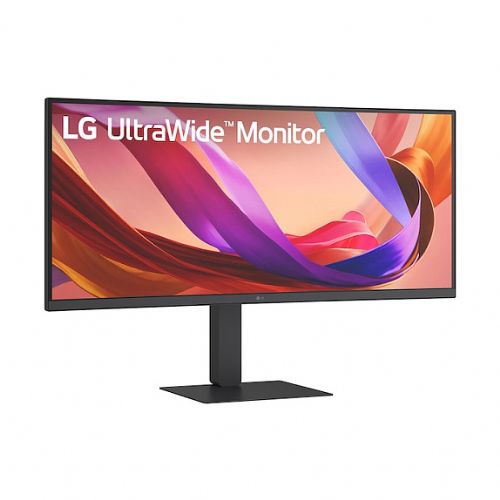
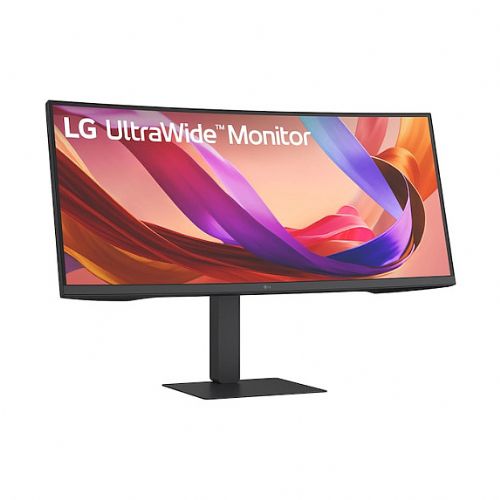
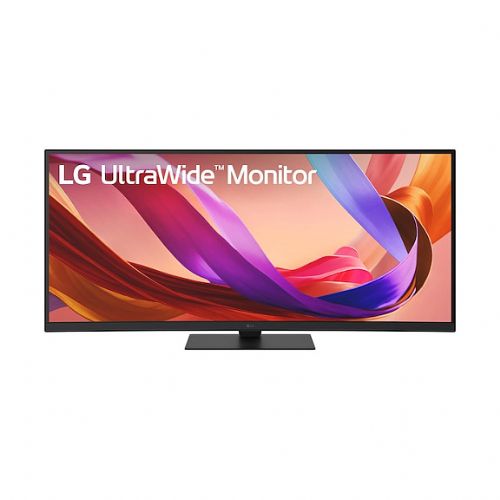
LG 34U650A-B – Curved Ultrawide Display for Multitasking and Gaming
The 34-inch monitor is ideal for business users, gamers, and consumers who need a truly wide workspace and a clear image.
- Curved 21:9 IPS display for exceptional clarity
- 3440 x 1440 resolution for sharp, detailed images
- 5ms response time and 100Hz refresh rate for a smooth experience
- Multiple ports: USB-C, HDMI×2, DisplayPort, USB hub, KVM
Screen Screen diagonal: 86.4 cm (34")
Screen resolution: 3440 x 1440 pixels
HD Type: Wide Quad HD
Native aspect ratio: 21:9
Display technology: LCD
Panel type: IPS
Brightness (typical): 300 cd/m²
Screen brightness (min.): 240 cd/m²
Response time: 5 ms
Reaction time measurement method: GTG (gray to gray)
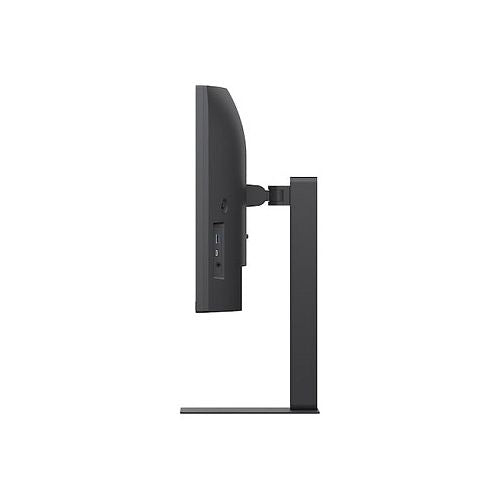
Screen shape: Curved
Screen curvature: 3800R
Supported graphics resolutions: 3440 x 1440
Supported video modes: 1440p
Contrast ratio: 1000:1
Maximum refresh rate: 100 Hz
Horizontal viewing angle: 178°
Vertical viewing angle: 178°
Number of colors on the screen: 1.07 billion colors
Pixel pitch: 0.2325 x 0.2325 mm
Screen diagonal (cm): 86.705 cm
Feature: High Dynamic Range (HDR) video support
High Dynamic Range (HDR) technology: High Dynamic Range 10 (HDR10)
Color space standard: sRGB
sRGB coverage (classic): 99%
Feature: Factory calibrated
Services Feature: Flicker-free technology
Smart Modes: Energy Saving
multimedia Number of speakers: 2
RMS power: 14W
Feature: Built-in speakers
design Market Positioning: Games
Product color: Black
Front bezel: black
Foot color: black
Connections and interfaces Feature: Built-in USB hub
USB input port type: USB Type B
Number of upstream data slots: 1
Number of entrance doors: 4
Number of USB Type B input ports: 1
Number of USB-A input ports: 3
Number of USB-C input ports: 1
Function: USB powered
USB power adapter up to: 96 W
Feature: HDMI
Number of HDMI inputs: 2
Number of DisplayPort connectors: 1
DisplayPort version: 1.4
Feature: Headphone output
Function: Microphone input
Feature: Built-in KVM switch
network Function: Ethernet/LAN
ergonomics Feature: VESA mount
Panel mounting interface: 100 x 100 mm
Feature: Wall mount
Feature: Cable lock slot
Feature: Height adjustment
Adjustable height (max.): 15 cm
Feature: Rotatable
Rotation angle range: -30 - 30°
Feature: Tilt adjustment
Tilt angle range: -5 - 21°
Feature: Picture in Picture
Function: Plug and play
energy Energy efficiency class (EER): F
Energy efficiency class (HDR): G
Energy consumption (SDR) per 1000 hours: 30 kWh
Energy consumption (HDR) per 1000 hours: 46 kWh
Power consumption (standby): 0.5 W
Power consumption (off): 0.3 W
AC input voltage: 100-240 V
AC input frequency: 50/60 Hz
Input current: 3 A
Power supply type: Internal
Energy efficiency scale: from A to G
Working conditions Operating temperature: 0–40°C
Storage temperature range: -20 - 60 °C
Weight and dimensions Device width (including stand): 816.7 mm
Device depth (including stand): 267.5 mm
Device height (including stand): 385.2 mm
Weight (including stand): 10.1 kg
Width (without stand): 816.7 mm
Depth (without stand): 83.6 mm
Height (without stand): 364.4 mm
Weight (without stand): 7.3 kg
Height (maximum): 53.5 cm
Height (minimum): 38.5 cm
Packaging information Packaging width: 988 mm
Packaging depth: 203 mm
Packaging height: 481 mm
Package weight: 12.5 kg
Scope of delivery Feature: Stand included
Included cables: DisplayPort, HDMI, USB Type-C
Other functions Brand-specific technologies: Black color stabilizer
Year of introduction: 2025
sRGB coverage (min.): 90%
Feature: Picture by Picture (PbP)
Power consumption (standby): 0.5 W
Number of RJ-45 connectors: 1
The text is machine translated.
Same summary
The LG 34U650A-B curved 34-inch monitor offers an exceptionally wide working area and high QHD resolution, enabling efficient multitasking for office work, analytics, or working with multiple documents at the same time. With a 100 Hz refresh rate and IPS panel, it is also suitable for a smoother multimedia experience and occasional gaming, although for the most demanding gaming scenarios, professional models with higher refresh rates remain a better choice. Integrated USB-C, DisplayPort, and KVM functionality can be especially useful in modern multi-device environments and for home offices. The wide 21:9 aspect ratio and screen curvature make the monitor suitable for users who want a single, highly visible display as an alternative to two monitors, but for the optimal experience, it is also worth considering the size of the work desk and the appropriate viewing distance.
Recommendation source: Enaa guides and team experiences.
User view
The large, curved ultrawide LG 34U650A-B monitor appeals to business users who manage multiple programs, spreadsheets or analytical tools on a daily basis – especially in environments where two separate displays would otherwise be used. It is also a popular choice for home users who appreciate the cinematic experience or powerful multitasking on a large format, and casual gamers who want a wider view and smoother display. For working from home or hybrid work, the USB-C port is a convenient solution for easy connection to newer laptops.
Choosing the right monitor size and format can significantly impact comfort and visibility, so we recommend checking out our monitor size guide to help you make better decisions about your workspace and ergonomics. Users often choose LG products because of their confidence in the quality of their images and the wide range of models that keep up with the latest connections and technologies.
Why buy at Enaa
When you buy monitors at Enaa, you are guaranteed professional support and up-to-date information, which helps you decide on the functionality of your new screen. Detailed guides and tips are available to help you choose the model that really suits your space and usage.
Answers to frequently asked questions
Is this ultrawide monitor suitable for work instead of two classic screens?
Yes, a 34-inch 21:9 monitor allows for multiple open programs or split-screen viewing, and often replaces a two-monitor setup. It is especially useful for writing reports, doing analytics, or working with spreadsheets.
What should I consider when connecting a laptop to a monitor via USB-C?
Before connecting, make sure your laptop supports video transmission over USB-C (DisplayPort Alt Mode or Thunderbolt), as not all USB-C ports support video. For more details on this topic, see our guide to multi-monitor setups .
Is 100 Hz refresh rate enough for occasional computer gaming?
For casual gaming and multimedia, 100 Hz is sufficient for most scenarios, but more demanding gamers (especially in fast-paced FPS games) will more often choose monitors with higher refresh rates.
What is the advantage of a curved screen compared to a flat one?
The curved screen allows for better focus on the entire width of the image and reduces eye movement, which contributes to comfort when working or viewing larger timelines and is especially useful with wide screens.
Is this monitor suitable for graphics and video work?
A monitor with an IPS panel and QHD resolution is good for basic graphics or video editing. For fully professional work where color accuracy is key, it is recommended to additionally check the requirements of individual programs and possibly choose models with higher color coverage standards.
Description updated: April 2026